How to Use Garmin: A Beginner’s Step-by-Step Guide
Whether you’re training for a marathon, exploring hiking trails, cycling long distances, or simply tracking your daily fitness, having accurate performance data can help you reach your goals faster. Garmin devices make this easier by combining GPS navigation, health tracking, workout monitoring, and smart features into one powerful ecosystem. Paired with the Garmin Connect app, you can monitor your progress, analyze workouts, and stay motivated over time.
By TechScaleMedia Editorial · Updated July 2026 · 11 min read
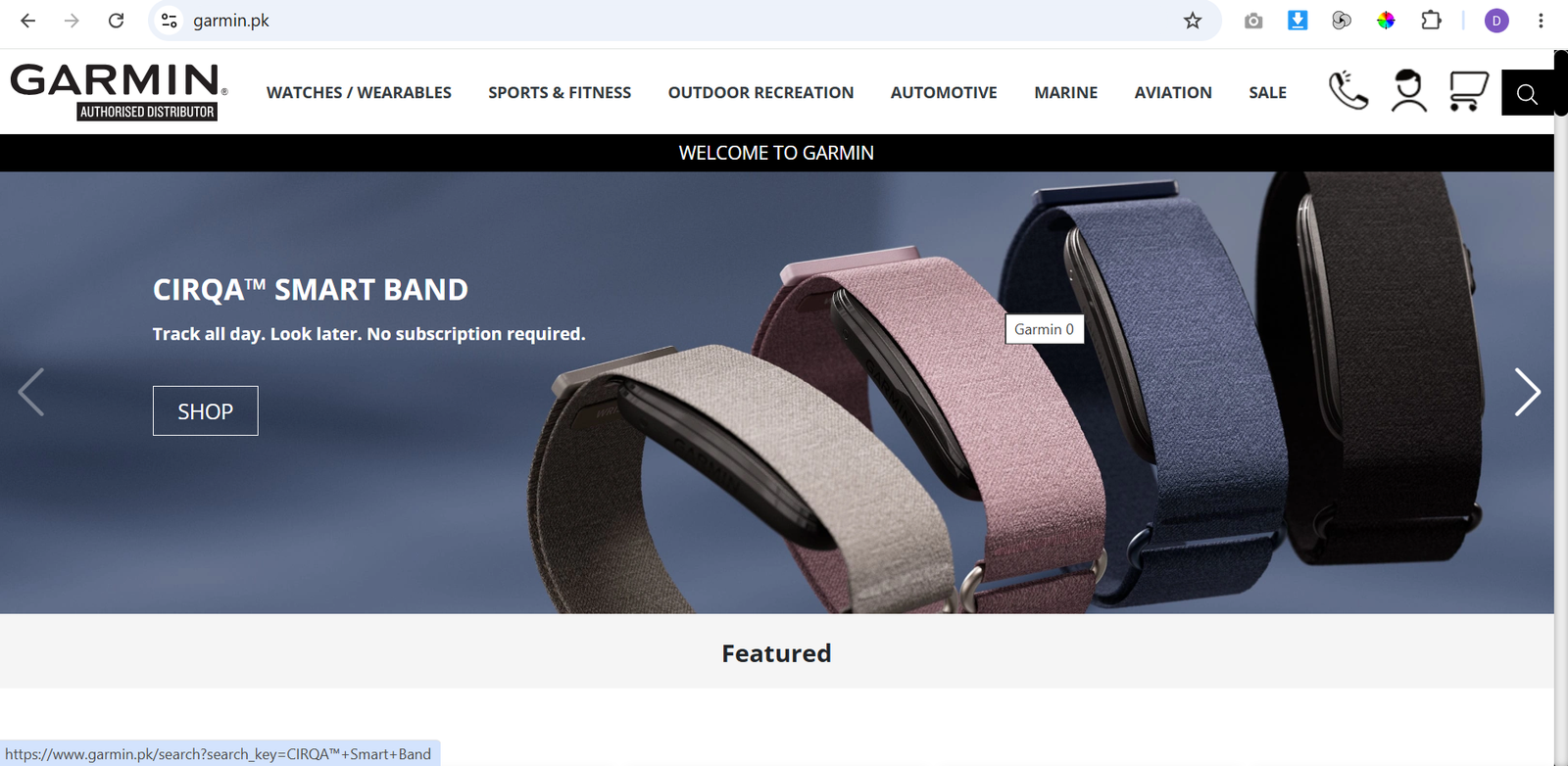
In this guide, you’ll learn how to use Garmin step by step, from setting up your device and connecting it to Garmin Connect to tracking activities, reviewing performance metrics, and using navigation features.
How Do You Use Garmin?
Quick Answer
Using Garmin is simple:
- Charge your Garmin device.
- Download the Garmin Connect app.
- Pair your device via Bluetooth.
- Complete your user profile.
- Enable GPS and sensors.
- Start your first activity.
- Customize your data screens.
- Sync your activity data.
- Review your performance metrics.
- Set up navigation routes.
- Enable safety features.
Prerequisites
Before getting started, you’ll need:
- A Garmin smartwatch or GPS device
- The Garmin Connect app
- A Garmin account
- A smartphone with Bluetooth enabled
- A stable internet connection
- A fully charged Garmin device
Create a Workflow Manually (Recommended for Beginners)
If you’re new to fitness tracking, setting up your first smartwatch with Garmin is the best way to understand how the platform actually works.
Step 1: Charge Your Garmin Device
Before using your Garmin for the first time, fully charge the battery using the supplied charging cable.
Once charged:
- Turn on the device.
- Select your preferred language.
- Follow the initial setup instructions.
Starting with a full battery ensures uninterrupted setup and activity tracking.
Step 2: Install Garmin Connect
Download the Garmin Connect app from the App Store or Google Play.
After installation:
- Create a Garmin account or sign in.
- Accept the required permissions.
- Keep Bluetooth enabled on your phone.
Garmin Connect acts as your central hub for syncing activities, updating settings, and reviewing fitness data.
Step 3: Pair Your Device
Open Garmin Connect and follow the pairing instructions.
To connect:
- Select Add Device.
- Choose your Garmin model.
- Confirm the pairing code.
- Complete the connection.
Once paired, your device can automatically sync activity data with the app.
Step 4: Complete Your User Profile
Enter your personal information to improve tracking accuracy.
Include details such as:
- Age
- Height
- Weight
- Gender
- Activity level
- Fitness goals
These details help Garmin calculate metrics like calorie burn, heart rate zones, and VO₂ Max more accurately.
Step 5: Enable GPS and Sensors
Before outdoor activities, ensure GPS is enabled.
Depending on your Garmin model, you may also activate:
- Heart rate monitoring
- Pulse Ox sensor
- Barometric altimeter
- Compass
- Cadence sensor
- Speed sensor
Using the appropriate sensors improves activity tracking and navigation accuracy.
Step 6: Start Your First Activity
Select the activity that matches your workout.
Popular activity profiles include:
- Running
- Walking
- Cycling
- Swimming
- Hiking
- Strength Training
- Golf
Wait for the GPS signal to lock before starting outdoor activities for the most accurate distance and route tracking.
Step 7: Customize Your Data Screens
Garmin allows you to personalize the information displayed during workouts.
You can choose metrics such as:
- Distance
- Pace
- Heart rate
- Calories burned
- Elevation
- Speed
- Time
Displaying only the metrics you need makes it easier to focus during your activity.
Step 8: Sync Your Activity Data
After completing your workout:
- Open Garmin Connect.
- Sync your device via Bluetooth or Wi-Fi.
- Wait for the upload to finish.
Your activity history, maps, and performance statistics will automatically appear in the app.
Step 9: Review Your Performance Metrics
Garmin Connect provides detailed insights to help you improve your fitness.
Review metrics such as:
- Training Load
- Recovery Time
- VO₂ Max
- Heart Rate Trends
- Sleep Score
- Stress Levels
- Weekly Activity Summary
Regularly reviewing these insights helps you track progress and adjust your training plan.
Step 10: Set Up Navigation Routes
If your Garmin model supports navigation, you can plan routes before heading outdoors.
You can:
- Download offline maps.
- Create custom routes.
- Import GPX files.
- Follow turn-by-turn navigation.
This feature is especially useful for hiking, trail running, cycling, and outdoor exploration.
Step 11: Enable Safety Features
Garmin includes several safety tools for outdoor activities.
Enable features like:
- LiveTrack
- Incident Detection
- Emergency Assistance
These tools can notify selected contacts if an accident is detected or if you need help during an activity.
Ready to get more from your workouts and outdoor adventures?
Set up your Garmin device and start tracking every mile, workout, and achievement with confidence.
How Can You Use Garmin More Efficiently?
Tips
- Charge your Garmin before long workouts.
- Keep Garmin Connect updated.
- Sync your activities regularly.
- Customize activity profiles for different sports.
- Review your recovery time before intense workouts.
- Enable GPS only when needed to extend battery life.
- Wear the watch snugly for accurate heart rate readings.
What Mistakes Should You Avoid When Using Garmin?
Common Mistakes
- Starting an activity before GPS locks.
- Skipping profile setup.
- Forgetting to sync workouts.
- Ignoring software updates.
- Wearing the watch too loosely.
- Not charging the device before long trips.
How Can You Get the Most Value from Garmin?
Best Practices
- Keep Garmin Connect updated.
- Sync your activities after every workout.
- Review your performance reports weekly.
- Enable safety features for solo activities.
- Update device firmware regularly.
- Customize workout screens for your preferred metrics.
- Clean the charging contacts and sensors periodically.
How Can You Troubleshoot Garmin Effectively?
Troubleshooting
Garmin won’t pair with the app
Restart both your phone and Garmin device, enable Bluetooth, and try pairing again.
GPS takes too long to connect
Move to an open outdoor area and wait until the GPS signal is acquired.
Activity isn’t syncing
Check your Bluetooth connection and manually sync through Garmin Connect.
Battery drains quickly
Reduce screen brightness, disable unused sensors, and update the device firmware.
Heart rate readings seem inaccurate
Wear the watch slightly tighter above your wrist bone and keep the sensor clean.
Frequently Asked Questions
What is Garmin used for?
Garmin devices help track fitness activities, monitor health metrics, provide GPS navigation, and analyze workout performance.
Do I need Garmin Connect?
Yes. Garmin Connect allows you to sync activities, manage settings, review performance data, and update your device.
Can Garmin track sleep?
Yes. Most Garmin smartwatches include sleep tracking and provide detailed sleep insights in Garmin Connect.
Does Garmin work without a phone?
Yes. Garmin devices can record activities independently, although syncing and advanced features require Garmin Connect.
Can Garmin create navigation routes?
Yes. Many Garmin GPS devices and premium smartwatches support offline maps, route planning, and turn-by-turn navigation.
Conclusion
Garmin makes it easy to track workouts, monitor your health, and navigate outdoor adventures from a single device. With GPS tracking, detailed fitness metrics, customizable activity profiles, and the Garmin Connect app, you can better understand your performance and stay on track toward your fitness goals. By following the steps in this guide, you’ll be ready to make the most of your Garmin device from day one.
Build a stronger foundation for fitness tracking and outdoor navigation with Garmin.
Start using Garmin today to track your workouts, monitor your health, navigate with confidence, and gain valuable insights that help you achieve your fitness and outdoor goals.