How to Use EcoFlow: A Beginner’s Step-by-Step Guide
Power outages, camping trips, and off-grid adventures often leave you without a reliable source of electricity. Whether you need to charge your phone, run a laptop, power a CPAP machine, or keep essential appliances running during an emergency, EcoFlow provides a portable and dependable power solution. Its portable power stations and solar generators make it easy to store energy and use it whenever and wherever you need it.
By TechScaleMedia Editorial · Updated July 2026 · 11 min read
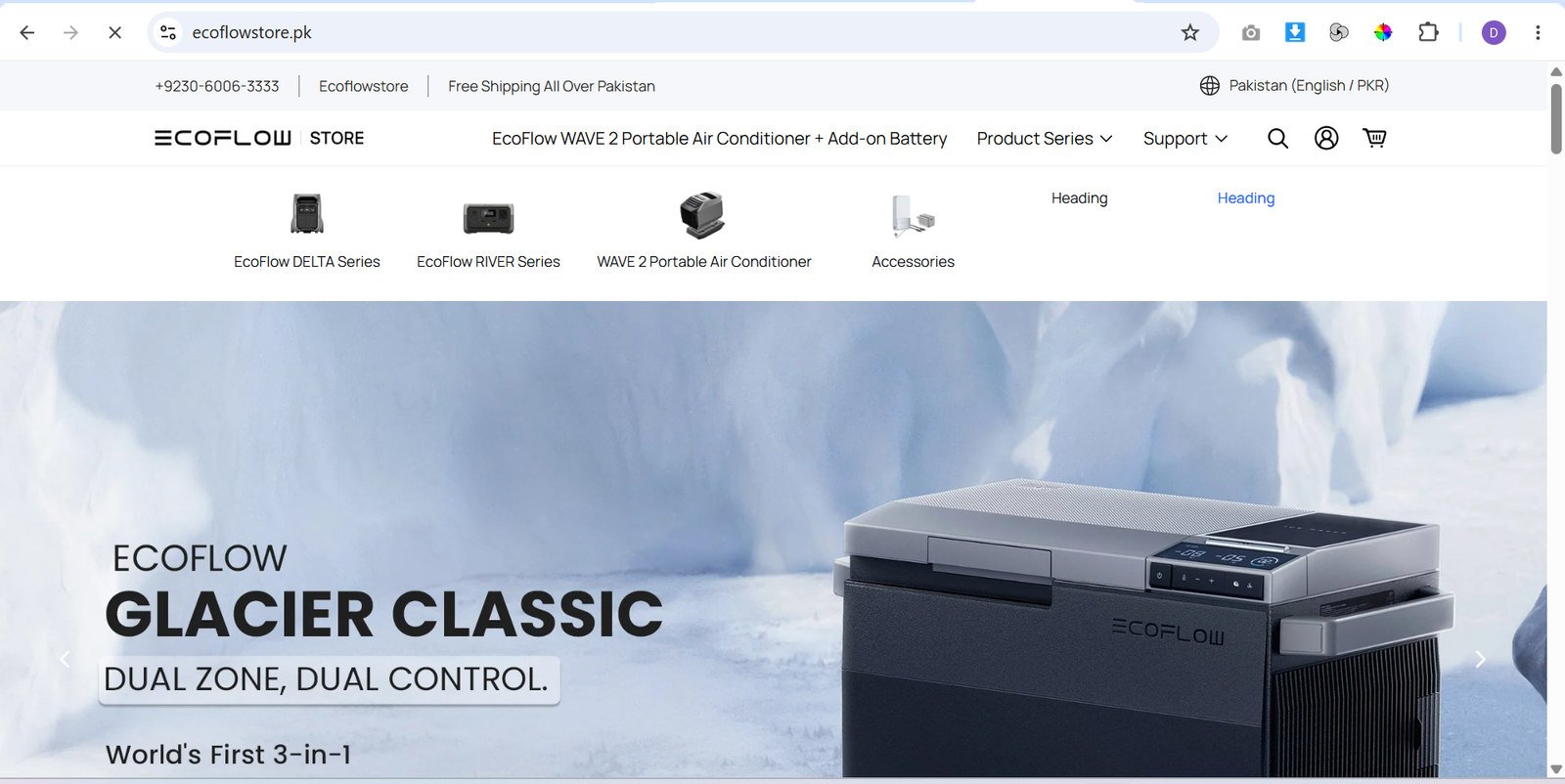
In this guide, you’ll learn how to use EcoFlow step by step, from charging the power station and connecting your devices to setting up solar charging and monitoring battery performance.
How Do You Use EcoFlow?
Quick Answer
To use EcoFlow is simple:
- Charge your EcoFlow power station.
- Install the EcoFlow app.
- Pair your device via Bluetooth or Wi-Fi.
- Check the battery level and available output ports.
- Connect your devices.
- Set up solar charging if available.
- Monitor battery performance in the app.
- Enable X-Boost or power-saving mode.
- Update the firmware.
- Store the unit properly when not in use.
Prerequisites
Before getting started, you’ll need:
- An EcoFlow portable power station
- A fully charged battery (recommended)
- The EcoFlow mobile app
- A smartphone with Bluetooth or Wi-Fi
- Compatible charging cables
- EcoFlow solar panels (optional)
Create a Workflow Manually (Recommended for Beginners)
If you’re new to portable power, setting up your first power station with EcoFlow is the best way to understand how the platform actually works.
Step 1: Charge Your EcoFlow
Before using your power station, fully charge the battery using one of the supported charging methods:
- Wall outlet
- Car charger
- EcoFlow solar panels
A full charge ensures maximum runtime during your first use.
Step 2: Connect the EcoFlow App
Download the EcoFlow app on your smartphone.
Then:
- Turn on your power station.
- Enable Bluetooth or Wi-Fi.
- Pair the device through the app.
- Complete the setup process.
The app lets you remotely monitor and control your power station.
Step 3: Check Battery Capacity and Output Ports
Review the available battery percentage and identify the output ports.
Most EcoFlow models include:
- AC outlets
- USB-C ports
- USB-A ports
- 12V car outlet
Always check the wattage requirements of your devices before connecting them.
Step 4: Connect Your Devices
Plug your devices into the appropriate output ports.
Common devices include:
- Smartphones
- Laptops
- Mini refrigerators
- Cameras
- CPAP machines
- Small appliances
Avoid exceeding the maximum output capacity of your EcoFlow unit.
Step 5: Set Up Solar Charging
If you own EcoFlow solar panels:
- Connect the panels to the DC input.
- Position them in direct sunlight.
- Adjust the angle for maximum solar exposure.
Solar charging is ideal for camping, RV travel, and off-grid living.
Step 6: Monitor Battery Performance
Open the EcoFlow app to track:
- Battery percentage
- Input power
- Output power
- Estimated remaining runtime
- Charging status
Monitoring these values helps you manage energy usage more efficiently.
Step 7: Enable X-Boost or Power-Saving Mode
Some EcoFlow models support X-Boost, allowing the unit to power higher-wattage devices.
You can also enable power-saving mode to extend battery life during longer trips or emergencies.
Choose the mode that best fits your power needs.
Step 8: Update Firmware
Check for firmware updates regularly through the EcoFlow app.
Installing updates helps improve:
- Battery management
- Charging efficiency
- Device compatibility
- Overall system performance
Step 9: Store Your EcoFlow Properly
If you won’t use your EcoFlow for an extended period:
- Store it in a cool, dry location.
- Keep the battery partially charged.
- Recharge it periodically according to EcoFlow’s recommendations.
Proper storage helps maintain battery health over time.
Ready to enjoy reliable portable power?
Start using EcoFlow and keep your devices running at home, outdoors, or during emergencies.
How Can You Use EcoFlow More Efficiently?
Tips
- Fully charge the battery before every trip.
- Use solar charging whenever possible.
- Monitor battery levels through the EcoFlow app.
- Keep firmware updated.
- Carry the correct charging cables.
- Avoid overloading the power station.
What Mistakes Should You Avoid When Using EcoFlow?
Common Mistakes
- Connecting devices that exceed the power limit.
- Leaving the battery fully discharged for long periods.
- Blocking ventilation during operation.
- Ignoring firmware updates.
- Storing the unit in extreme temperatures.
How Can You Get the Most Value from EcoFlow?
Best Practices
- Charge the battery regularly.
- Store the unit indoors when not in use.
- Clean solar panels periodically.
- Monitor power usage through the app.
- Keep ventilation openings unobstructed.
How Can You Troubleshoot EcoFlow Effectively?
Troubleshooting
EcoFlow won’t charge
Check the charging cable and power source, then restart the unit.
Solar charging is slow
Place the solar panels in direct sunlight and adjust their angle.
Connected device won’t power on
Verify that the device’s wattage is within the EcoFlow’s supported output.
Battery drains quickly
Disconnect unused devices and enable power-saving mode if available.
Frequently Asked Questions
What is EcoFlow used for?
EcoFlow provides portable power stations and solar generators for camping, home backup, travel, and emergency power.
Can EcoFlow charge with solar panels?
Yes. EcoFlow supports compatible solar panels for renewable charging.
Can EcoFlow power home appliances?
Yes. Depending on the model, EcoFlow can power appliances such as refrigerators, TVs, laptops, and medical devices.
Does EcoFlow have a mobile app?
Yes. The EcoFlow app allows you to monitor battery status, control settings, and install firmware updates.
Is EcoFlow suitable for emergencies?
Yes. EcoFlow is widely used as an emergency backup power solution during outages.
Conclusion
EcoFlow makes portable power simple by combining fast charging, multiple output options, app-based monitoring, and solar compatibility in one reliable system. By following the steps in this guide, you can safely power your devices whether you’re camping, traveling, or preparing for unexpected power outages.
Build a stronger foundation for portable power and energy independence with EcoFlow.
Start using EcoFlow today to enjoy dependable portable power, solar charging, and reliable backup energy wherever life takes you.