How to Use Upwork: A Beginner’s Step-by-Step Guide
Finding freelance clients can be difficult when you are starting online. Many beginners struggle with finding suitable projects, creating professional proposals, and building trust with potential clients.
By TechScaleMedia Editorial · Updated July 2026 · 11 min read
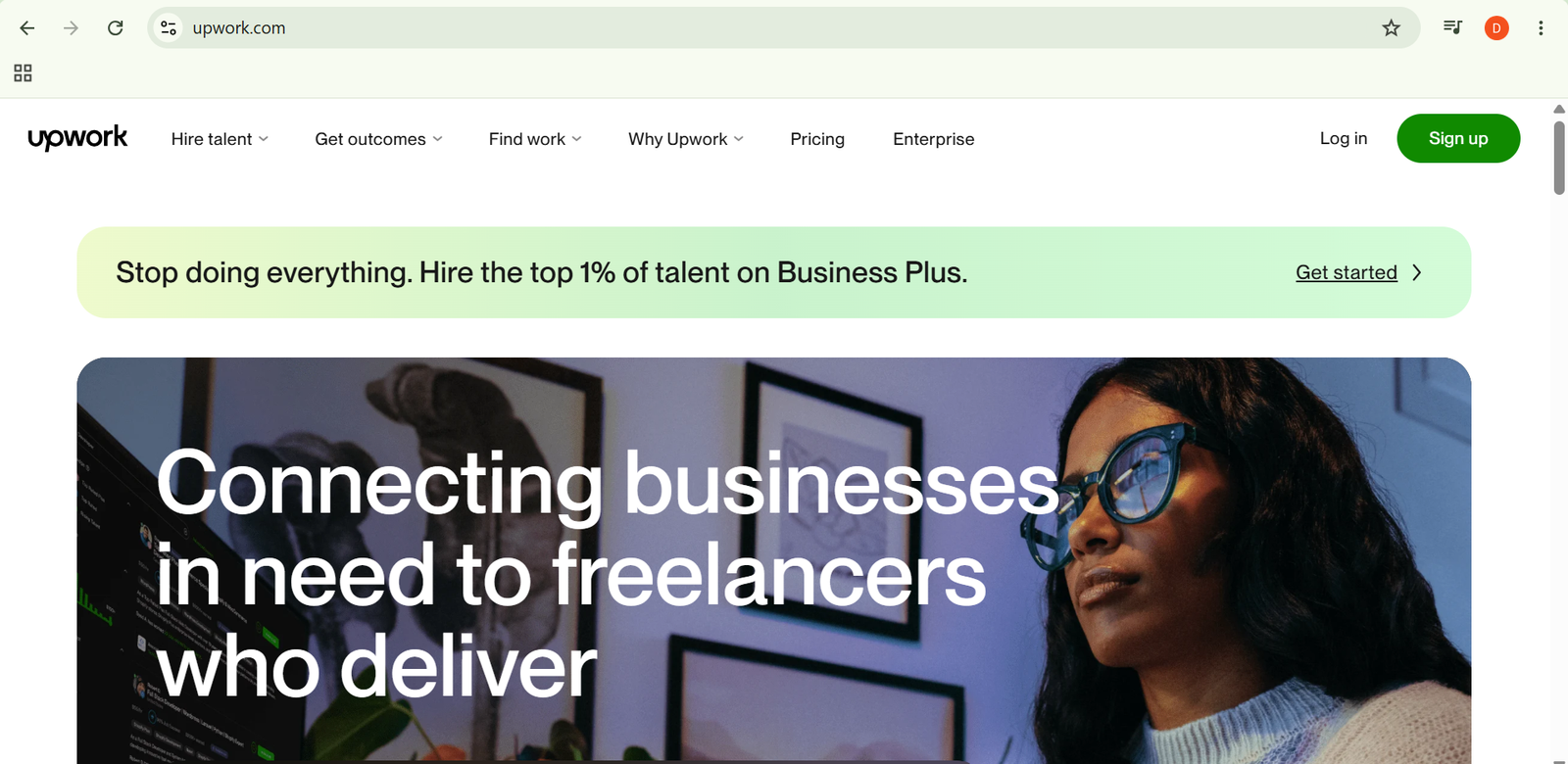
Upwork is a freelance marketplace that connects freelancers with businesses looking for professional services. Freelancers can find projects in areas such as writing, design, programming, marketing, consulting, and virtual assistance.
In this guide, you’ll learn how to use Upwork step by step, from creating your freelancer profile and finding projects to submitting proposals, completing work, and building your reputation.
How Do You Use Upwork?
Quick Answer
Using Upwork is simple:
- Create an Upwork account.
- Build your freelancer profile.
- Search for suitable jobs.
- Submit proposals.
- Communicate with clients.
- Complete projects.
- Receive payments.
- Build your work history.
Prerequisites
Before getting started, you’ll need:
- Upwork account
- Professional skill or service
- Portfolio samples
- Work experience details
- Payment method
- Internet connection
Create a Workflow Manually (Recommended for Beginners)
If you’re new to freelancing, landing your first project on Upwork is the best way to understand how the platform actually works.
Step 1: Create an Upwork Account
Sign up for an Upwork account and choose the freelancer option.
Add basic information such as:
- Name
- Skills
- Professional title
- Experience level
- Work categories
A complete profile helps clients understand your expertise.
Step 2: Build Your Freelancer Profile
Your profile acts as your online resume.
Include:
- Clear professional headline
- Skill descriptions
- Portfolio items
- Previous experience
- Work history
Focus on showing how your skills can help clients solve problems.
Step 3: Find Suitable Projects
Use Upwork’s search system to discover relevant job opportunities.
You can filter projects by:
- Skill category
- Budget
- Experience level
- Project type
- Client requirements
Choose projects that match your abilities and experience.
Step 4: Submit a Proposal
When you find a suitable project, send a proposal explaining why you are a good fit.
A strong proposal should include:
- Understanding of the client’s needs
- Relevant experience
- Project approach
- Expected timeline
Avoid using the same message for every job.
Step 5: Communicate With Clients
If a client responds, discuss project details before starting.
Confirm:
- Requirements
- Deadline
- Deliverables
- Payment terms
Clear communication helps avoid confusion later.
Step 6: Complete the Project
Work according to the agreed requirements.
Before submitting:
- Review your work
- Check client instructions
- Organize final files
- Complete revisions if needed
Quality delivery increases the chance of repeat work.
Step 7: Receive Payment
Upwork provides payment protection features for eligible contracts.
Payment methods and timelines depend on the project type and account settings.
Step 8: Build Your Reputation
After completing projects, improve your profile by:
- Adding successful projects
- Collecting client feedback
- Updating your portfolio
- Improving your skills
A strong work history helps attract better opportunities.
Ready to start freelancing?
Use Upwork to discover projects, connect with clients, and grow your freelance career.
How Can You Use Upwork More Efficiently?
Tips
- Use filters to quickly find projects that match your skills.
- Read the complete job description before applying.
- Mention specific details from the client’s post in your proposal.
- Highlight relevant portfolio samples for each project.
- Keep your profile headline clear and focused.
- Track successful proposals to understand what works.
How Can You Avoid Common Upwork Errors?
Common Mistakes
- Applying to every available project without checking suitability.
- Writing proposals that focus only on your own skills.
- Accepting projects with unclear requirements.
- Underestimating project timelines.
- Ignoring client messages or updates.
- Using copied portfolio samples that do not match the service offered.
How Can You Get the Most Value from Upwork?
Best Practices
- Build a strong professional identity in a specific niche.
- Maintain consistent quality across all completed projects.
- Develop repeat relationships with satisfied clients.
- Keep improving skills based on market demand.
- Review your freelance performance regularly.
- Create a reliable workflow for managing multiple projects.
How Can You Troubleshoot Upwork Effectively?
Troubleshooting
Not receiving client responses
Improve your profile, portfolio, and proposal quality.
Proposals are not getting views
Target more relevant projects and improve your opening message.
Client requirements are unclear
Ask questions before accepting the contract.
Payment issues occur
Review contract details and ensure payment settings are correctly configured.
Profile approval problems
Check that your profile information follows Upwork requirements.
Frequently Asked Questions
Is Upwork free to join?
Yes. Freelancers can create an account and apply for projects, but some platform features may have usage limits or fees.
Can beginners use Upwork?
Yes. Beginners can start by creating a strong profile, applying for suitable projects, and building their work history.
How do freelancers get jobs on Upwork?
Freelancers find opportunities by searching projects, submitting proposals, and showing relevant skills and experience.
What skills are popular on Upwork?
Common categories include web development, graphic design, content writing, digital marketing, virtual assistance, and consulting.
Conclusion
Upwork provides freelancers with a platform to connect with clients and find professional opportunities worldwide. By creating a strong profile, submitting personalized proposals, communicating clearly, and delivering quality work, beginners can build a successful freelance career.
Following this guide will help you set up your Upwork account, find suitable projects, manage client relationships, and grow your freelance business.
Build a stronger foundation for freelancing and remote career growth with Upwork.
Start using Upwork today to showcase your skills, find freelance projects, and build a successful online career with clients worldwide.