How to Use Fiverr: A Beginner’s Step-by-Step Guide
Starting freelance work online can be challenging when you do not know where to find clients, how to present your skills, or how to manage projects professionally. Many beginners struggle with creating service listings, attracting buyers, and turning one-time projects into long-term opportunities.
By TechScaleMedia Editorial · Updated July 2026 · 11 min read
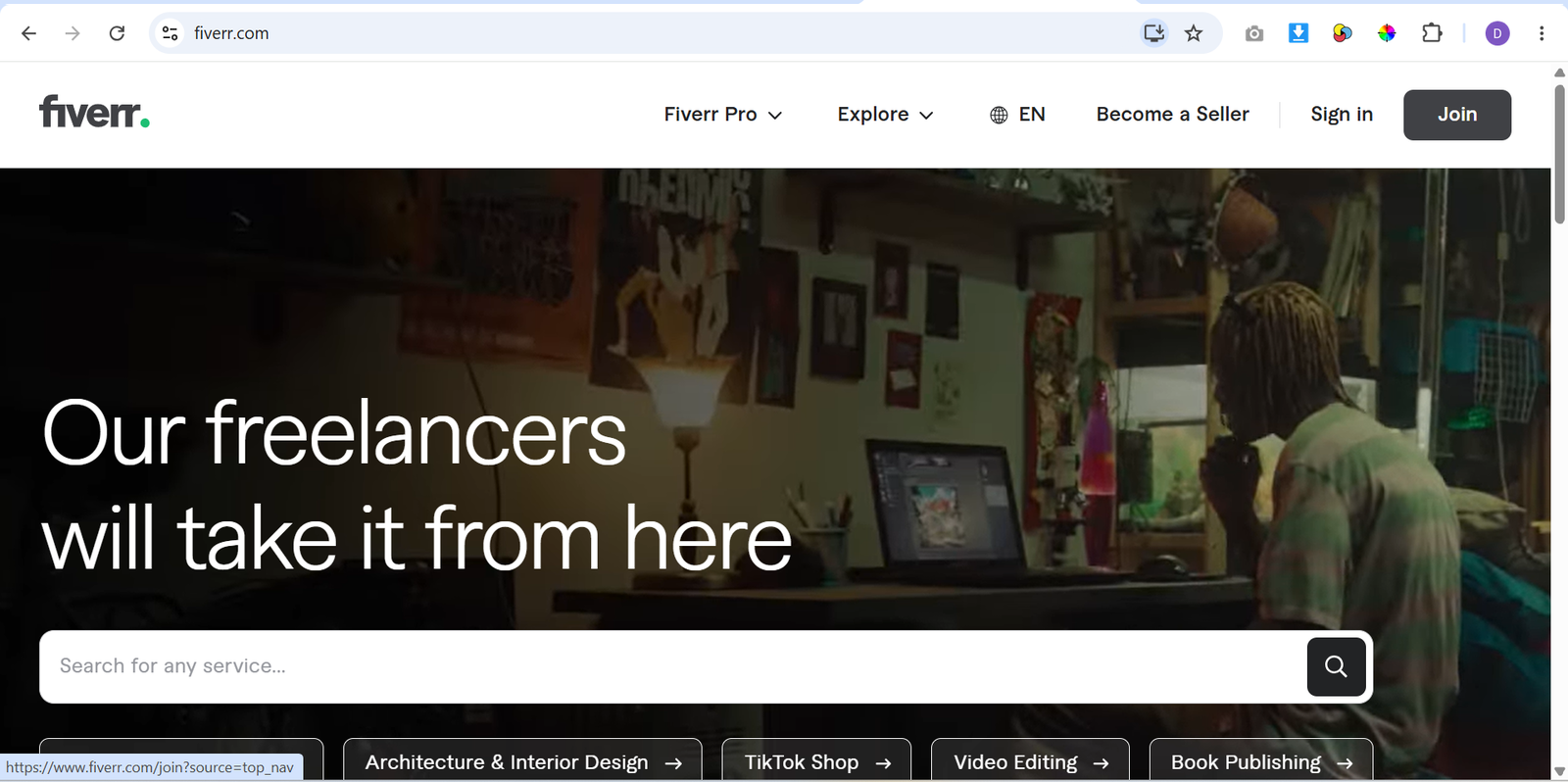
Fiverr solves this problem by connecting freelancers with clients looking for digital services. Freelancers create service listings called Gigs, set their prices, and deliver projects in categories such as graphic design, writing, programming, marketing, video editing, and more.
In this guide, you’ll learn how to use Fiverr step by step, from creating your freelancer profile and publishing your first Gig to managing orders and improving your success on the platform.
How Do You Use Fiverr?
Quick Answer
Using Fiverr is simple:
- Create a Fiverr account.
- Complete your freelancer profile.
- Create a service Gig.
- Set pricing and delivery details.
- Receive buyer orders.
- Deliver quality work.
- Collect reviews and improve your profile.
Prerequisites
Before getting started, you’ll need:
- Fiverr account
- A marketable skill
- Portfolio samples
- Profile photo
- Payment method
- Internet connection
Create a Workflow Manually (Recommended for Beginners)
If you’re new to freelancing, completing your first project on Fiverr is the best way to understand how the platform actually works.
Step 1: Create a Fiverr Account
Sign up for a Fiverr account and choose the freelancer option.
Complete your basic profile information, including:
- Name
- Skills
- Professional description
- Languages
- Work experience
A complete profile helps buyers understand your expertise.
Step 2: Choose Your Service Category
Select a category that matches your skills.
Popular Fiverr categories include:
- Graphic Design
- Writing and Translation
- Digital Marketing
- Programming and Technology
- Video and Animation
- Business Services
Choose a focused service instead of offering too many unrelated skills.
Step 3: Create Your First Gig
A Gig is the service you offer to buyers.
Add important details such as:
- Clear Gig title
- Category
- Service description
- Search tags
- Delivery time
- Pricing
A clear Gig helps buyers understand exactly what they will receive.
Step 4: Set Your Pricing Packages
Fiverr allows sellers to create different packages.
You can offer:
- Basic package
- Standard package
- Premium package
Each package can include different features, delivery times, and prices.
Step 5: Add Portfolio Samples
Show examples of your previous work to build buyer confidence.
You can include:
- Design samples
- Writing examples
- Previous projects
- Case studies
- Screenshots
Strong examples help your Gig stand out.
Step 6: Publish Your Gig
Review your Gig details before publishing.
Check:
- Title clarity
- Description accuracy
- Pricing
- Images
- Delivery time
After publishing, buyers can discover your service through Fiverr search.
Step 7: Manage Buyer Messages and Orders
Respond professionally when buyers contact you.
Before accepting an order:
- Understand project requirements.
- Confirm deadlines.
- Ask necessary questions.
Clear communication reduces misunderstandings.
Step 8: Deliver Completed Work
Complete the project according to the buyer’s requirements.
Before delivery:
- Review your work.
- Check files and details.
- Ensure everything matches the order.
Professional delivery improves customer satisfaction.
Step 9: Build Your Reputation
After completing orders, focus on improving your Fiverr profile.
You can grow by:
- Collecting positive reviews.
- Updating your portfolio.
- Improving your Gig descriptions.
- Creating additional services.
Ready to start freelancing?
Use Fiverr to showcase your skills, connect with clients, and build your online freelance career.
How Can You Use Fiverr More Efficiently?
Tips
- Use specific Gig titles instead of general descriptions.
- Research successful sellers in your category.
- Create professional thumbnails for your services.
- Respond quickly to buyer inquiries.
- Offer realistic delivery timelines.
- Keep your portfolio updated with recent work.
How Can You Avoid Common Fiverr Errors?
Common Mistakes
- Creating a Gig without understanding the target audience.
- Copying other sellers’ descriptions.
- Setting unrealistic delivery deadlines.
- Accepting projects outside your skill level.
- Ignoring buyer requirements.
- Uploading low-quality portfolio samples.
How Can You Get the Most Value from Fiverr?
Best Practices
- Build expertise around a specific service niche.
- Create original and valuable service offerings.
- Maintain professional communication with clients.
- Analyze your performance and improve your Gigs regularly.
- Focus on delivering consistent quality.
- Develop long-term relationships with repeat buyers.
How Can You Troubleshoot Fiverr Effectively?
Troubleshooting
Your Gig is not getting views
Improve your title, keywords, images, and service description to make your listing more relevant.
Buyers are not placing orders
Review your pricing, portfolio, and Gig presentation to make your offer more attractive.
Order requirements are unclear
Ask buyers specific questions before starting the project.
Late deliveries affect your account
Set realistic deadlines and manage your workload carefully.
Payment issues occur
Check your payment settings and Fiverr account information.
Frequently Asked Questions
Is Fiverr free to use?
Creating a Fiverr account and publishing Gigs is free. Fiverr charges fees when freelancers complete orders through the platform.
Can beginners earn money on Fiverr?
Yes. Beginners can start by offering skills they already have, creating strong Gigs, and building their reputation through completed projects.
How do Fiverr sellers get clients?
Sellers attract clients through Fiverr search, optimized Gig listings, strong portfolios, competitive pricing, and positive reviews.
What skills sell best on Fiverr?
Popular services include graphic design, content writing, SEO, video editing, programming, virtual assistance, and digital marketing.
Conclusion
Fiverr provides a simple way for freelancers to offer their skills and connect with clients worldwide. By creating a professional profile, building clear service listings, communicating effectively, and delivering quality work, beginners can establish a successful freelance presence.
Following this guide will help you set up your Fiverr account, create your first Gig, manage orders, and improve your chances of growing as a freelancer.
Build a stronger foundation for freelancing and online business growth with Fiverr.
Start using Fiverr today to showcase your skills, find freelance opportunities, and build your online career with clients from around the world.