How to Use LifeLock: A Beginner’s Step-by-Step Guide
Identity theft is one of the fastest-growing cybercrimes, putting your personal information, financial accounts, and credit history at risk. A single data breach or stolen password can lead to unauthorized account access, fraudulent transactions, and long-term financial headaches.
By TechScaleMedia Editorial · Updated July 2026 · 11 min read
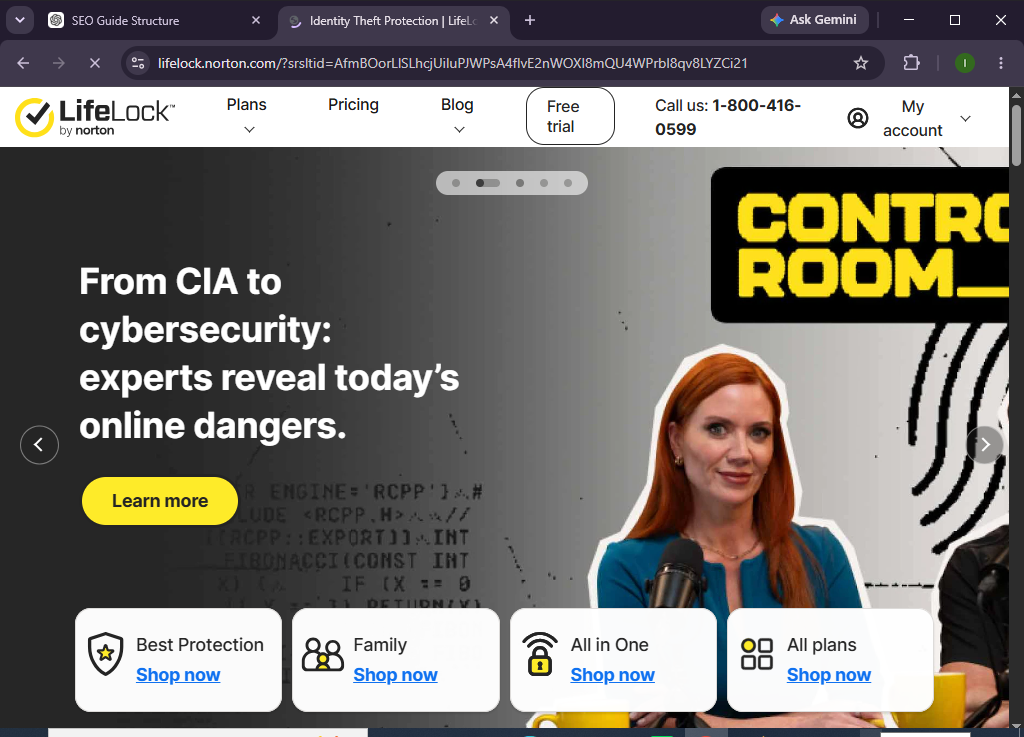
LifeLock is an identity theft protection service that helps monitor your personal information, alerts you to potential identity threats, and provides identity restoration support if your information is compromised. By continuously monitoring key indicators of identity fraud, LifeLock helps you stay informed and respond quickly to suspicious activity.
Whether you’re protecting yourself, your family, or your financial information, this guide will show you exactly how to set up and use LifeLock from scratch.
How Do You Set Up and Use LifeLock?
Quick Answer
To use LifeLock:
- Create your LifeLock account.
- Choose a membership plan.
- Complete your personal profile.
- Verify your identity.
- Enable identity and credit monitoring features.
- Add the personal information you want monitored.
- Review alerts from your dashboard.
- Respond quickly to suspicious activity.
- Update your account information when needed.
- Monitor your identity regularly for ongoing protection.
Prerequisites
Before you begin, make sure you have:
- A LifeLock account
- An active LifeLock membership
- A valid email address
- A smartphone or computer
- A stable internet connection
- Personal information for identity verification
- Basic knowledge of online account management
Create a Workflow Manually (Recommended for Beginners)
If you’re new to identity protection, setting up your first security profile in LifeLock is the best way to understand how the platform actually works.
Step 1: Create Your LifeLock Account
Visit the LifeLock website and create an account.
During registration:
- Enter your personal information.
- Create a secure password.
- Select your preferred membership plan.
- Verify your email address.
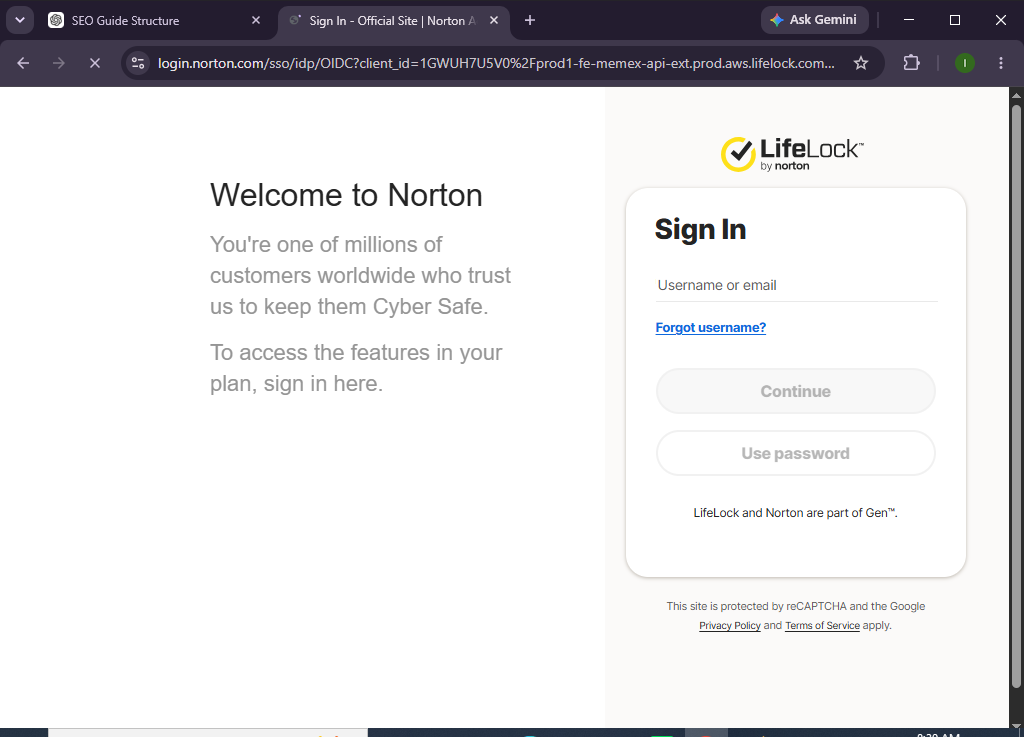
Once your account is created, sign in to access your dashboard.
Step 2: Choose Your Membership Plan
Select the plan that best matches your needs.
Plans may include different levels of:
- Identity monitoring
- Credit monitoring
- Identity restoration support
- Financial account monitoring
- Identity theft insurance coverage
Review the available features before completing your purchase.
Step 3: Verify Your Identity
To activate monitoring services:
- Confirm your identity.
- Answer any verification questions.
- Complete any required authentication steps.
Verification helps ensure your monitoring services are properly linked to your identity.
Step 4: Complete Your Personal Profile
Add the personal information you want LifeLock to monitor.
Examples include:
- Email addresses
- Phone numbers
- Home address
- Bank account information (where supported)
- Credit card information (where supported)
- Driver’s license
- Social Security Number (where applicable and supported)
Providing accurate information improves monitoring coverage.
Step 5: Enable Monitoring Services
Turn on available monitoring features such as:
- Identity monitoring
- Dark web monitoring
- Credit monitoring (depending on plan)
- Financial account monitoring
- Data breach notifications
These services continuously monitor for potential identity risks.
Step 6: Download the Mobile App
Install the LifeLock mobile app on your smartphone.
After installation:
- Sign in using your account.
- Enable notifications.
- Allow security alerts.
The app lets you monitor your identity while you’re on the go.
Step 7: Review Security Alerts
LifeLock sends notifications when suspicious activity is detected.
Examples include:
- New account activity
- Potential data breaches
- Credit inquiries
- Identity verification requests
- Personal information found online
Review alerts promptly and take action if necessary.
Step 8: Respond to Suspicious Activity
If you receive an alert:
- Review the alert details.
- Verify whether the activity is legitimate.
- Contact the appropriate institution if needed.
- Follow LifeLock’s recommended actions.
Quick responses help reduce the impact of identity theft.
Step 9: Update Your Monitoring Information
Whenever your personal information changes:
- Add new email addresses.
- Update phone numbers.
- Add new financial accounts.
- Remove outdated information.
Keeping your profile current improves monitoring accuracy.
Step 10: Monitor Your Dashboard Regularly
Visit your dashboard to review:
- Active alerts
- Monitoring status
- Identity reports
- Credit information (if included)
- Security recommendations
Routine monitoring helps you stay informed about your identity protection.
Want greater peace of mind when it comes to identity protection?
Explore LifeLock and take proactive steps to monitor your personal information before small issues become major problems.
How Can You Get the Most Out of LifeLock?
Tips
- Enable all available monitoring features.
- Install the mobile app for instant alerts.
- Review notifications as soon as they arrive.
- Keep your profile information updated.
- Use strong passwords for your online accounts.
- Enable multi-factor authentication whenever possible.
- Regularly check your financial statements.
- Monitor your credit reports periodically.
What Should You Avoid When Using LifeLock?
Common Mistakes
- Ignoring identity alerts
- Delaying responses to suspicious activity
- Using weak account passwords
- Forgetting to update personal information
- Sharing sensitive information unnecessarily
- Ignoring data breach notifications
- Disabling account notifications
How Can You Better Protect Your Identity with LifeLock?
Best Practices
- Monitor alerts daily.
- Keep your personal information updated.
- Enable multi-factor authentication on important accounts.
- Review financial statements regularly.
- Use unique passwords for every account.
- Respond quickly to suspicious activity.
- Check your credit reports periodically.
- Secure your devices with strong passwords.
- Stay informed about recent data breaches.
- Review your LifeLock dashboard frequently.
What Should You Do If LifeLock Isn’t Working?
Troubleshooting
Unable to sign in
- Verify your login credentials.
- Reset your password if needed.
- Confirm your membership is active.
Not receiving alerts
- Check your notification settings.
- Verify your contact information.
- Enable app notifications.
Monitoring information missing
- Review your profile details.
- Add missing personal information.
- Refresh your account dashboard.
Mobile app issues
- Update the app.
- Restart your device.
- Reinstall the application if necessary.
Frequently Asked Questions
What does LifeLock do?
LifeLock helps monitor your personal information for signs of identity theft and alerts you to suspicious activity that may require your attention.
Does LifeLock prevent identity theft?
No service can prevent identity theft completely, but LifeLock helps detect potential threats early and provides tools and support to help you respond.
Can I monitor my credit with LifeLock?
Many LifeLock plans include credit monitoring features, depending on the membership level you choose.
Does LifeLock have a mobile app?
Yes. LifeLock offers a mobile app that lets you view alerts, monitor your account, and manage your identity protection from your smartphone.
Can families use LifeLock?
Yes. LifeLock offers plans designed to help protect multiple family members.
Is LifeLock suitable for beginners?
Absolutely. Its straightforward dashboard and automated monitoring make it easy for new users to manage identity protection.
Conclusion
LifeLock helps simplify identity protection by monitoring your personal information, notifying you of potential threats, and providing support if suspicious activity occurs. Its automated monitoring and easy-to-use dashboard make it easier to stay informed and take action when needed.
By following this guide—creating your account, completing your profile, enabling monitoring services, reviewing alerts, and keeping your information updated—you can build stronger habits for protecting your identity in today’s digital world.
Your personal information is valuable protect it before problems arise.
Create your LifeLock account today, activate identity monitoring, and stay informed with alerts that help you respond quickly to potential identity threats.