How to Use Mem AI: A Beginner’s Step-by-Step Guide
Keeping track of ideas, meeting notes, and important information can become difficult when everything is scattered across multiple apps. Mem AI is an AI-powered note-taking and knowledge management platform that automatically organizes your notes, helps you find information quickly, and connects related ideas without relying on complex folder structures.
By TechScaleMedia Editorial · Updated July 2026 · 11 min read
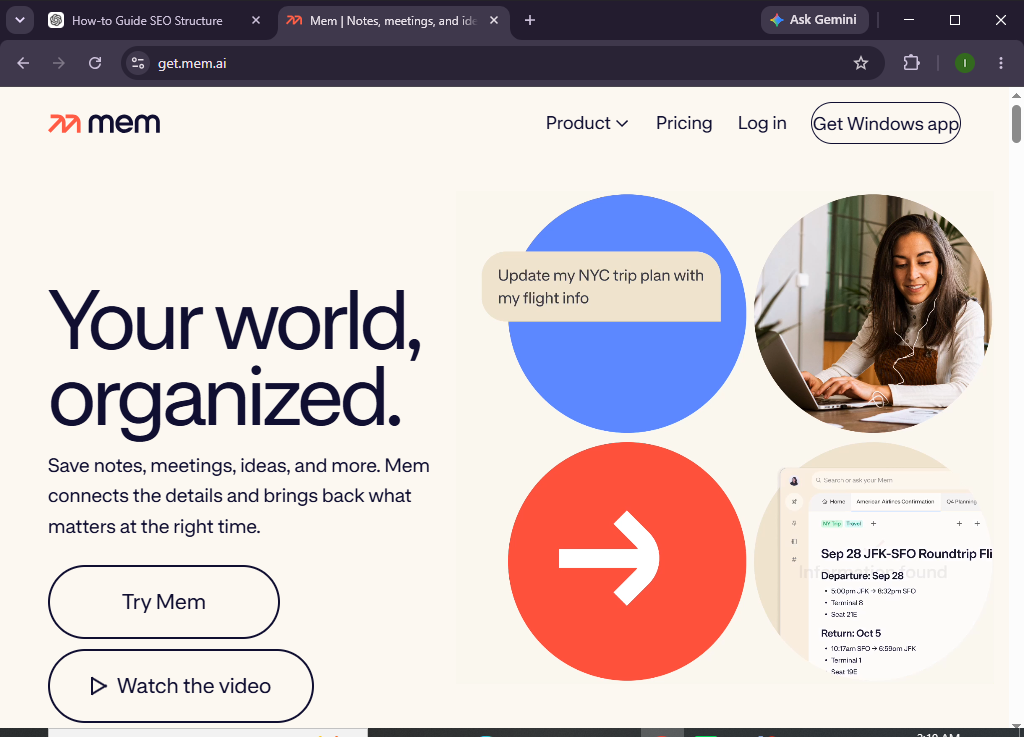
Whether you’re a student, freelancer, entrepreneur, or knowledge worker, Mem AI makes it easier to capture information and retrieve it whenever you need it.
In this guide, you’ll learn how to use Mem AI to create notes, organize your knowledge, leverage AI features, and build a smarter workflow.
How do you use Mem AI to organize notes and boost productivity?
Quick Answer
Getting started with Mem AI is simple:
- Create a Mem AI account.
- Set up your workspace.
- Create your first note.
- Organize notes using collections and tags.
- Use AI to summarize and generate content.
- Search your knowledge base.
- Review and maintain your workspace.
Prerequisites
Before using Mem AI, you’ll need:
- A Mem AI account
- Internet connection
- Desktop or web browser
- Notes, meeting summaries, or research materials
- Google account (optional)
Create a Workflow Manually (Recommended for Beginners)
If you’re new to knowledge management, creating your first workspace in Mem AI is the best way to understand how the platform actually works.
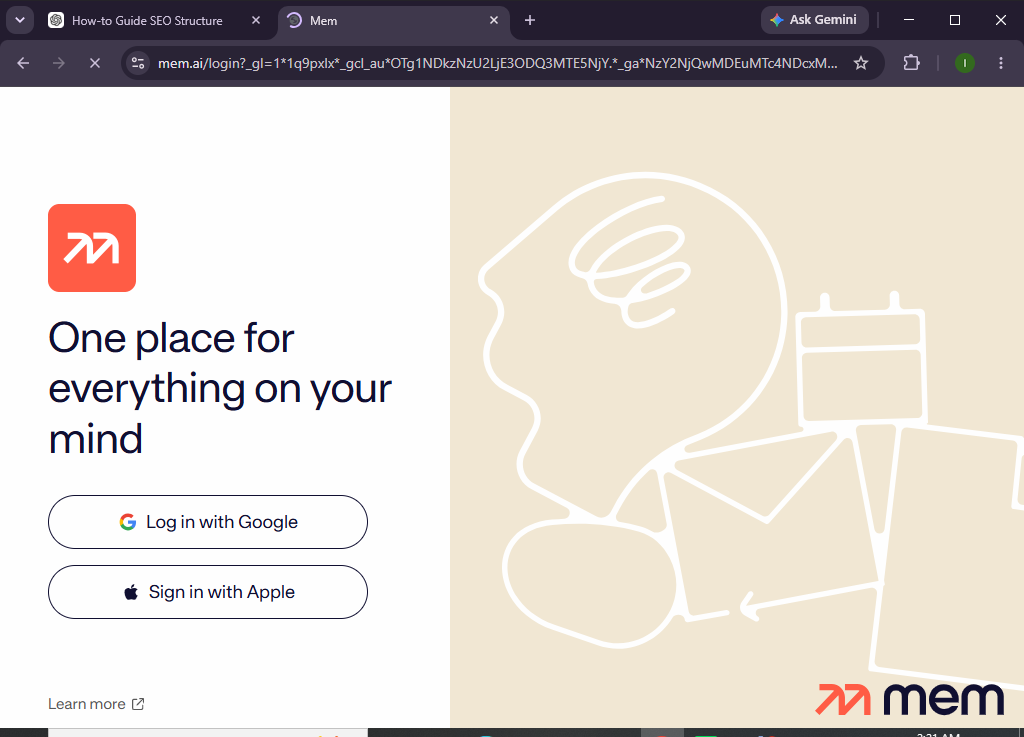
Step 1: Create Your Mem AI Account
Visit the Mem AI website and sign up using your email or Google account.
Verify your account and complete the onboarding process.
Step 2: Set Up Your Workspace
After logging in, customize your workspace by configuring:
- Profile information
- Workspace preferences
- Theme settings
- Default note options
This creates a personalized environment for your notes.
Step 3: Create Your First Object
Create New Note.
Add your:
- Meeting notes
- Ideas
- Research
- To-do lists
- Journal entries
- Project documentation
Mem AI automatically saves your notes as you type.
Step 4: Organize Notes
Although Mem AI relies heavily on AI organization, you can also improve organization by using:
- Tags
- Collections
- Related notes
- Keywords
- Linked content
This makes searching and retrieving information even easier.
Step 5: Use Mem AI Features
Mem AI can help you:
- Summarize long notes
- Rewrite text
- Brainstorm ideas
- Generate outlines
- Find related information
- Answer questions from your notes
Simply enter a prompt to let AI assist you.
Step 6: Search Your Knowledge Base
Use the search bar to instantly locate:
- Notes
- Projects
- Keywords
- Topics
- Meeting records
Mem AI’s intelligent search understands context, making it easier to find relevant information.
Step 7: Link Related Notes
Connect notes related to:
- Clients
- Meetings
- Projects
- Research
- Personal goals
Linked information helps create a more connected knowledge system.
Step 8: Review and Maintain Your Workspace
Regularly:
- Archive outdated notes
- Update important information
- Merge duplicate notes
- Review AI suggestions
- Organize active projects
Keeping your workspace current improves long-term productivity.
Want your notes to organize themselves?
Mem AI uses artificial intelligence to help you capture ideas, connect information, and find what you need in seconds.
How can you get the most out of Mem AI?
Tips
- Capture ideas immediately.
- Write descriptive note titles.
- Use tags consistently.
- Review AI-generated summaries.
- Connect related notes whenever possible.
- Keep meeting notes organized.
- Archive outdated content regularly.
- Search before creating duplicate notes.
What mistakes should you avoid when using Mem AI?
Common Mistakes
- Creating duplicate notes.
- Ignoring AI suggestions.
- Using vague note titles.
- Forgetting to update important information.
- Overlooking tags and linked notes.
- Allowing outdated content to accumulate.
How can you build a smarter knowledge system with Mem AI?
Best Practices
- Capture information as soon as possible.
- Review your notes weekly.
- Use AI to summarize lengthy documents.
- Link related notes together.
- Keep note titles clear and searchable.
- Archive completed projects.
- Build a consistent note-taking habit.
- Let AI handle organization while maintaining clean content.
What should you do if Mem AI isn’t working properly?
Troubleshooting
Unable to find notes
Use Smart Search and verify your keywords or tags.
AI features aren’t responding
Check your internet connection and confirm your subscription includes AI capabilities.
Notes aren’t syncing
Refresh the application or sign out and back in.
Unable to organize notes
Review your collections, tags, and linked content.
Login issues
Reset your password or verify your email address.
Frequently Asked Questions
Is Mem AI free?
Mem AI offers a free plan with basic note-taking features, while premium plans include advanced AI capabilities and collaboration tools.
Does Mem AI automatically organize notes?
Yes. Mem AI uses AI to organize notes and surface relevant information based on context rather than relying only on folders.
Can Mem AI summarize notes?
Yes. AI can generate summaries, rewrite content, brainstorm ideas, and assist with writing tasks.
Can I search all my notes?
Absolutely. Mem AI’s intelligent search helps you quickly locate notes, topics, and related information.
Is Mem AI suitable for teams?
Yes. Teams can collaborate on shared knowledge depending on their subscription plan.
Who should use Mem AI?
Mem AI is ideal for students, professionals, researchers, entrepreneurs, writers, consultants, and anyone who manages a large amount of information.
Conclusion
Mem AI transforms traditional note-taking into an intelligent knowledge management experience by automatically organizing information, connecting related ideas, and making your notes easier to search. With AI-powered writing assistance and contextual search, it helps you spend less time organizing and more time thinking, creating, and collaborating.
Whether you’re documenting meetings, capturing research, or managing personal knowledge, Mem AI provides a flexible workspace that grows with your needs.
Ready to make your notes work for you?
Explore Mem AI today and discover how AI-powered organization can help you capture ideas faster, find information instantly, and stay productive every day.