How to Use Reclaim AI: A Beginner’s Step-by-Step Guide
Keeping track of ideas, meeting notes, and important information can become difficult when everything is scattered across multiple apps. Mem AI is an AI-powered note-taking and knowledge management platform that automatically organizes your notes, helps you find information quickly, and connects related ideas without relying on complex folder structures.
By TechScaleMedia Editorial · Updated July 2026 · 11 min read
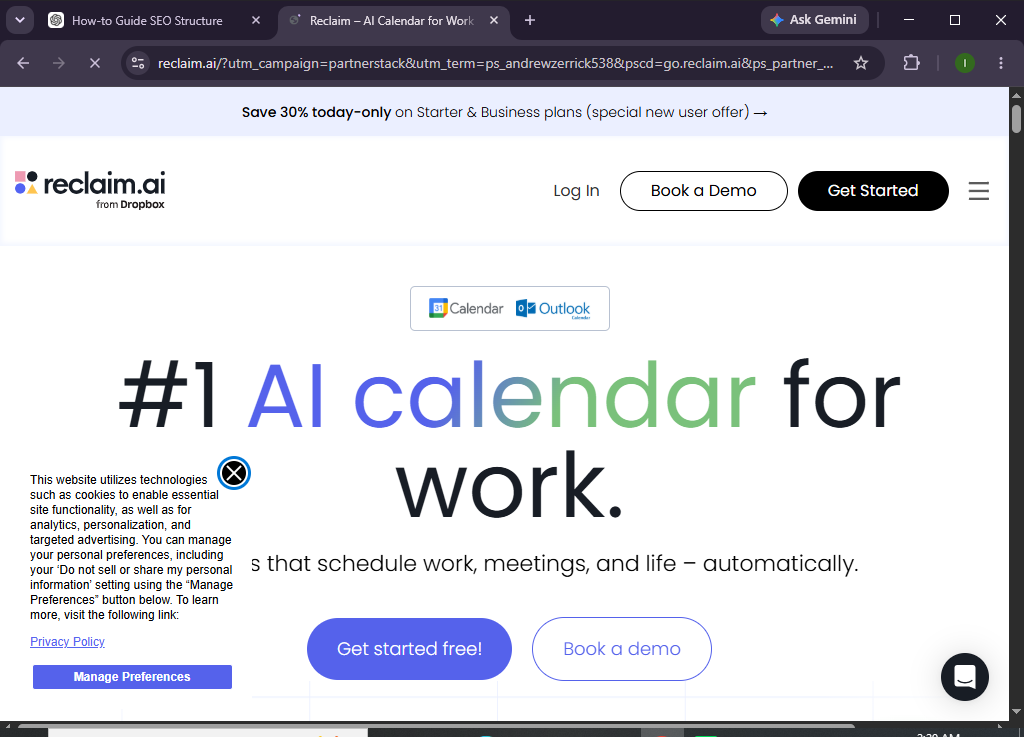
In this guide, you’ll learn how to use Reclaim AI to automate your schedule, prioritize important work, protect focus time, and improve productivity.
How do you use Reclaim AI to automate your calendar and schedule tasks?
Quick Answer
Getting started with Reclaim AI is simple:
- Create a Reclaim AI account.
- Connect your Google Calendar.
- Add tasks and habits.
- Set priorities and deadlines.
- Let AI schedule your work.
- Review your daily calendar.
- Update tasks as your schedule changes.
Prerequisites
Before using Reclaim AI, you’ll need:
- A Reclaim AI account
- Internet connection
- Google Calendar
- List of tasks or projects
- Estimated task durations
- Desktop or web browser
Create a Workflow Manually (Recommended for Beginners)
If you’re new to AI scheduling, organizing your first calendar in Reclaim AI is the best way to understand how the platform actually works.
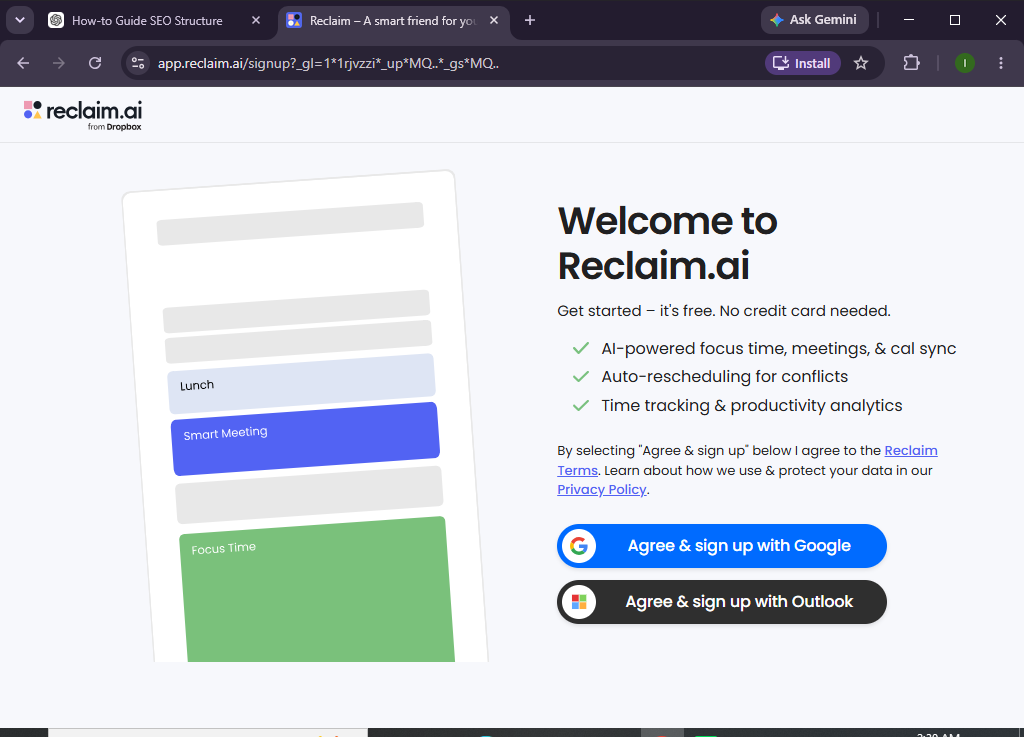
Step 1: Create Your Reclaim AI Account
Visit the Reclaim AI website and sign up using your Google account.
Authorize the required permissions to connect your calendar.
Step 2: Connect Your Google Calendar
During setup, Reclaim AI will sync with your Google Calendar.
It imports:
- Meetings
- Events
- Availability
- Existing schedules
This allows the AI to schedule work around your commitments.
Step 3: Create Task
Click Add Task and enter:
- Task name
- Due date
- Priority
- Estimated duration
- Flexible scheduling preferences
Repeat for all upcoming tasks.
Step 4: Add Habits and Recurring Activities
Create recurring habits such as:
- Exercise
- Reading
- Deep work
- Team check-ins
- Weekly planning
Reclaim AI automatically finds the best available time for these activities.
Step 5: Let AI Build Your Schedule
Based on your calendar and task list, Reclaim AI automatically:
- Schedules work sessions
- Protects focus time
- Reschedules tasks when conflicts arise
- Balances your workload
No manual planning is required.
Step 6: Review Your Calendar
Open your calendar to review:
- Meetings
- Scheduled tasks
- Focus blocks
- Habits
- Upcoming deadlines
You can manually adjust events if necessary.
Step 7: Monitor Task Progress
As you complete work:
- Mark tasks complete
- Update deadlines
- Add new priorities
- Review unfinished work
Reclaim AI automatically updates future schedules.
Step 8: Analyze Your Productivity
Review reports showing:
- Focus time protected
- Completed tasks
- Meeting balance
- Workload trends
- Habit consistency
These insights help improve future planning.
Looking for a smarter way to manage your calendar?
Reclaim AI automatically schedules your priorities so you can focus on getting meaningful work done.
How can you get the most out of Reclaim AI?
Tips
- Keep your calendar updated.
- Enter realistic task durations.
- Prioritize your most important work.
- Schedule recurring habits.
- Review your calendar each morning.
- Protect uninterrupted focus time.
- Let AI handle scheduling changes.
- Regularly clean up completed tasks.
What mistakes should you avoid when using Reclaim AI?
Common Mistakes
- Overloading your calendar.
- Setting unrealistic deadlines.
- Ignoring AI scheduling suggestions.
- Forgetting to update completed tasks.
- Leaving outdated events on your calendar.
- Not creating recurring habits.
How can you maximize productivity with Reclaim AI?
Best Practices
- Schedule important work before low-priority tasks.
- Keep your calendar accurate.
- Build consistent daily habits.
- Review AI recommendations regularly.
- Leave buffer time between meetings.
- Track your weekly productivity.
- Update priorities whenever plans change.
- Trust AI to optimize your schedule.
What should you do if Reclaim AI isn’t working properly?
Troubleshooting
Calendar isn’t syncing
Reconnect your Google Calendar and verify permissions.
Tasks aren’t being scheduled
Ensure each task includes a deadline, priority, and estimated duration.
Habits aren’t appearing
Check your availability settings and scheduling preferences.
AI schedule seems inaccurate
Update your calendar and refresh your workspace.
Login issues
Reconnect your Google account or reset your password.
Frequently Asked Questions
Is Reclaim AI free?
Reclaim AI offers a free plan with essential scheduling features, while premium plans include advanced automation, analytics, and team collaboration tools.
Does Reclaim AI work with Google Calendar?
Yes. Reclaim AI is designed to integrate seamlessly with Google Calendar for intelligent scheduling and calendar optimization.
Can Reclaim AI automatically schedule tasks?
Yes. It automatically finds the best available time for your tasks based on your calendar, deadlines, and priorities.
What are Habits in Reclaim AI?
Habits are recurring activities such as exercise, planning, or deep work that Reclaim AI automatically schedules into your calendar.
Can teams use Reclaim AI?
Yes. Teams can coordinate meetings, protect focus time, and optimize shared schedules using collaborative features.
Is Reclaim AI suitable for freelancers?
Absolutely. Freelancers, remote workers, managers, entrepreneurs, and students can all benefit from automated calendar planning.
Conclusion
Reclaim AI takes the hassle out of calendar management by automatically scheduling your tasks, protecting focus time, and adapting to changes throughout your day. With intelligent automation and seamless Google Calendar integration, it helps you stay productive without spending hours planning your schedule.
By following this guide and adopting the recommended best practices, you’ll be able to organize your workload more efficiently, reduce scheduling conflicts, and make better use of your time.
Stop juggling your calendar manually.
Try Reclaim AI and let intelligent scheduling organize your tasks, protect your focus time, and help you create a more balanced and productive workday.