How to Host a Website on ScalaHosting: A Beginner’s Step-by-Step Guide
Selecting the right hosting provider is essential for building a fast, secure, and dependable website. Whether you’re launching a business website, blog, portfolio, or online store, your hosting platform should provide excellent performance while making website management simple. ScalaHosting is a cloud hosting provider known for its managed VPS solutions, scalable infrastructure, built-in security, and beginner-friendly control panel.
By TechScaleMedia Editorial · Updated July 2026 · 11 min read
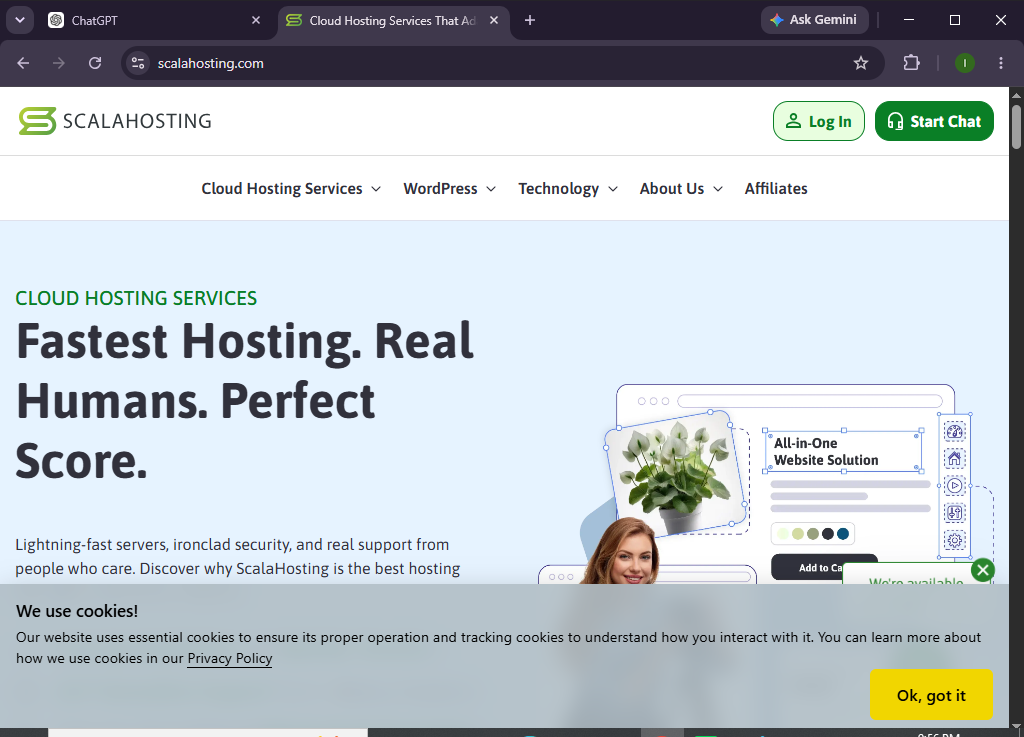
With features like free SSL certificates, automatic backups, website migration, and SPanel for easy server management, ScalaHosting allows users to host websites without the complexity of traditional server administration. This guide will walk you through every step of hosting a website on ScalaHosting, from setting up your account to launching your site.
How do you host a website on ScalaHosting?
Quick Answer
Follow these steps to host your website on ScalaHosting:
- Create a ScalaHosting account.
- Select the hosting plan that fits your website.
- Access your hosting dashboard.
- Create a new website.
- Connect your domain name.
- Update your DNS settings.
- Enable the free SSL certificate.
- Upload your website files or install your preferred CMS.
- Test your website’s functionality and speed.
- Publish your website and monitor its performance.
Quick Tip: If you’re moving from another hosting provider, ScalaHosting offers free website migration to make switching easier.
Prerequisites
Before you begin, you’ll need:
- A ScalaHosting hosting account
- A registered domain name
- Stable internet access
- Website files or your preferred CMS
- Basic knowledge of website management
Create a Workflow Manually (Recommended for Beginners)
If you’re new to web hosting, launching your first website on ScalaHosting is the best way to understand how the platform actually works.
Step 1: Sign Up for ScalaHosting
Visit the ScalaHosting website and choose a hosting plan.
Consider factors such as:
- Expected website traffic
- Storage requirements
- Number of websites
- Personal or business use
Complete your registration and verify your account.
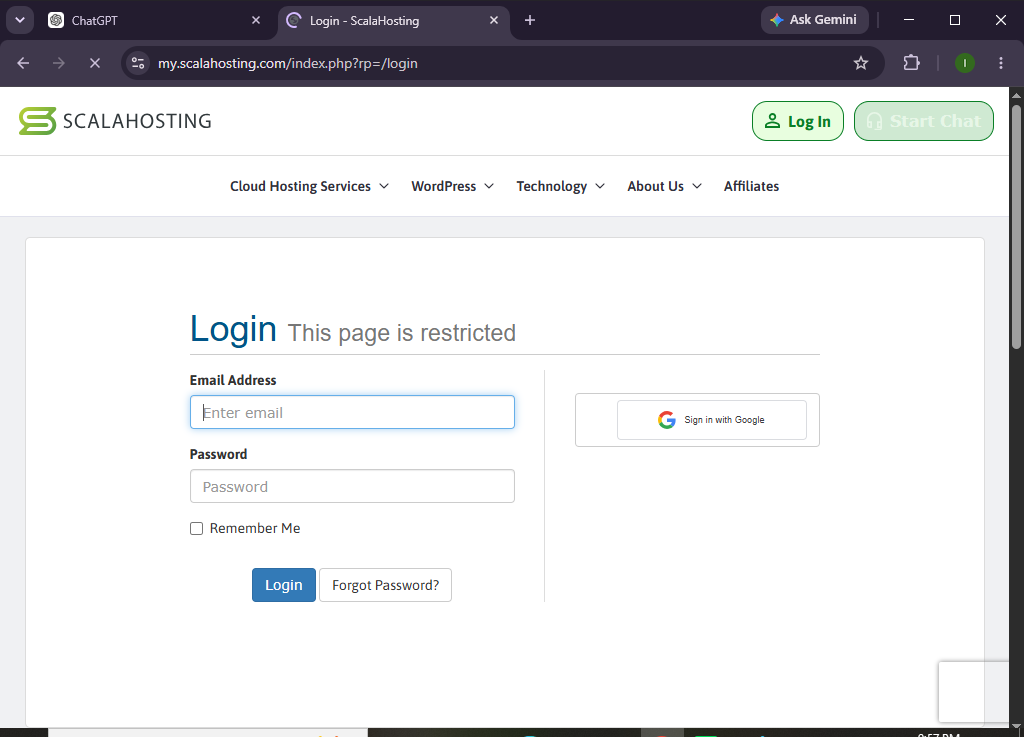
Step 2: Access Your Hosting Dashboard
After logging in, open the ScalaHosting dashboard.
Here you can manage:
- Websites
- Domains
- Email accounts
- SSL certificates
- File Manager
- Backups
- Security settings
Spend a few minutes exploring the available features.
Step 3: Add a New Website
Click Create Website and provide the required information.
You’ll usaually need to:
- Enter your website name
- Choose a server location
- Select your preferred website setup
ScalaHosting will automatically prepare your hosting environment.
Step 4: Connect Your Domain
To use your own domain:
- Add your domain inside the dashboard.
- Copy the DNS records or nameservers.
- Log in to your domain registrar.
- Update your DNS configuration.
Allow sufficient time for DNS propagation.
Step 5: Activate SSL
ScalaHosting includes free SSL certificates.
Verify that:
- HTTPS is enabled.
- SSL status is active.
- Your website loads securely.
A secure website protects visitor information and improves SEO.
Step 6: Upload Your Website
Next, add your website by:
- Uploading website files
- Installing your preferred CMS
- Migrating an existing website
- Restoring a backup
Choose the option that matches your needs.
Step 7: Customize Your Website
Personalize your website by:
- Selecting a theme
- Creating pages
- Uploading your logo
- Organizing navigation menus
- Adding media files
- Installing helpful plugins or extensions
Review your website before publishing.
Step 8: Optimize Website Performance
Improve your websites by:
- Compressing images
- Removing unnecessary plugins
- Updating website software
- Optimizing media files
- Cleaning unused resources
These practices help improve loading speed and user experience.
Step 9: Test Your Website
Before publishing, verify:
- Homepage
- Navigation
- Contact forms
- Mobile responsiveness
- Internal links
- SSL certificate
- Loading performance
Correct any issues before launching.
Step 10: Publish Your Website
Once your website is ready:
- Make it live
- Share your website address
- Monitor website performance
- Keep your content updated
Your website is now successfully hosted on ScalaHosting.
Looking for hosting that combines flexibility with powerful cloud technology?
Choose ScalaHosting and build your website on a platform designed for speed and reliability.
How can you get the best performance from ScalaHosting?
Tips
- Choose the closest server location for your visitors.
- Keep your website software updated.
- Compress large images before uploading.
- Remove unused plugins and themes.
- Schedule automatic backups.
- Monitor website performance regularly.
- Review storage usage as your website grows.
What should you avoid when hosting a website on ScalaHosting?
Common Mistakes
- Choosing a hosting plan that doesn’t meet your future needs
- Forgetting to update DNS records
- Launching before SSL activation
- Uploading oversized media files
- Installing unnecessary plugins
- Ignoring routine backups
- Skipping website testing before going live
How can you maintain a secure and high-performing website on ScalaHosting?
Best Practices
- Keep your website software updated.
- Use strong passwords for every account.
- Enable automatic backups.
- Remove inactive themes and plugins.
- Optimize media before uploading.
- Monitor uptime regularly.
- Test your website after major updates.
- Review your website security settings.
- Upgrade your hosting plan as your website grows.
How do you fix common ScalaHosting hosting problems?
Troubleshooting
| Problem | Solution |
|---|---|
| Website isn’t loading | Check DNS records and wait for propagation. |
| SSL certificate isn’t active | Verify your domain settings and allow SSL activation time. |
| Can’t access the dashboard | Reset your password or contact customer support. |
| Website is slow | Optimize images, remove unused plugins, and clear cache. |
| Domain isn’t connected | Review your DNS configuration with your registrar. |
| Website displays unexpected errors | Undo recent changes or restore a backup if available. |
Frequently Asked Questions
Is ScalaHosting suitable for beginners?
Yes. ScalaHosting provides an intuitive dashboard, managed hosting options, and helpful support that make it beginner-friendly.
Can I migrate my existing website to ScalaHosting?
Yes. ScalaHosting offers free website migration for many hosting plans.
Does ScalaHosting include free SSL?
Yes. Free SSL certificates are included with eligible hosting plans.
Can I host multiple websites?
Yes. Many ScalaHosting plans allow you to host multiple websites.
Is ScalaHosting suitable for growing businesses?
Absolutely. Its scalable cloud infrastructure and managed VPS hosting make it an excellent choice for businesses that expect to grow.
Does ScalaHosting provide automatic backups?
Yes. Most hosting plans include automated backups to help protect your website data.
Conclusion
ScalaHosting simplifies website hosting by combining cloud-powered infrastructure with easy-to-use management tools and advanced security features. Whether you’re building your first website or migrating an existing one, the platform provides everything you need to create a secure, reliable, and high-performing online presence.
By following this guide, you can confidently launch your website while taking advantage of ScalaHosting’s scalable hosting environment and user-friendly features.
Ready to build a website on a scalable cloud platform?
Join ScalaHosting today and experience reliable hosting, flexible resources, built-in security, and the confidence to grow your website without limits.