How to Use Moosend: A Beginner’s Step-by-Step Guide
Learn how to use Moosend with this beginner-friendly step-by-step guide to create, automate, and optimize email marketing campaigns with ease.
By TechScaleMedia Editorial · Updated July 2026 · 11 min read
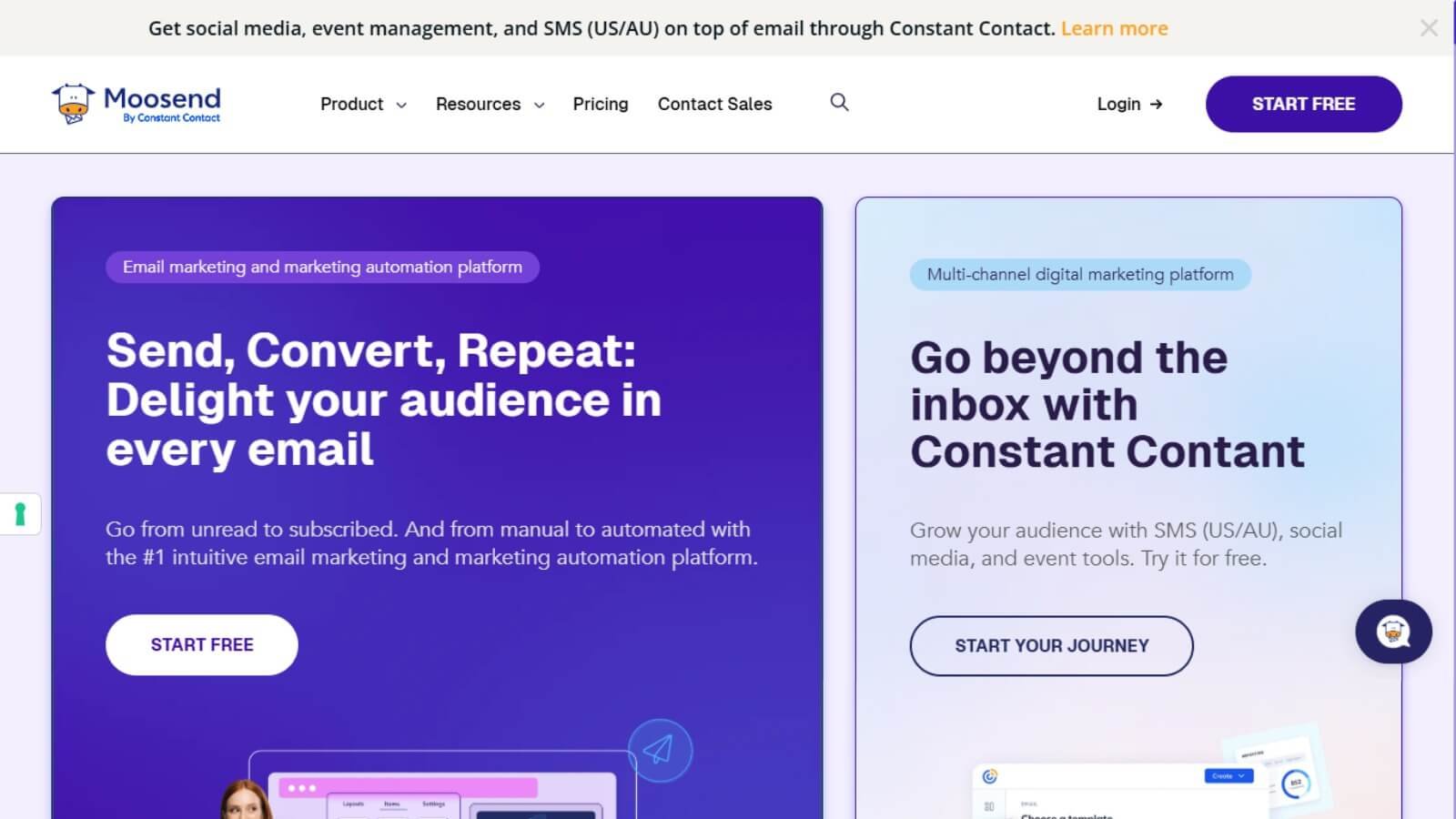
Building an email list is only the first step—turning subscribers into customers requires the right strategy and tools. Sending manual emails, managing contacts, and creating personalized campaigns can become time-consuming as your audience grows. Moosend solves this problem by combining email marketing, automation, subscriber segmentation, and campaign analytics into one affordable platform. Whether you’re running an online store, small business, or agency, Moosend helps you create targeted campaigns that drive engagement and sales.
In this guide, you’ll learn how to use Moosend step by step to build your email list, automate campaigns, and improve your email marketing results.
Ready to automate your email marketing? Try Moosend and create high-converting email campaigns with ease.
How do you use Moosend?
Quick Answer
Using Moosend is simple:
- Create a Moosend account.
- Import your subscribers.
- Build a signup form or landing page.
- Create your first email campaign.
- Segment your audience.
- Set up email automation.
- Run A/B tests.
- Track campaign performance.
Prerequisites
Before getting started, you’ll need:
- A Moosend account
- Business email address
- Subscriber list (optional)
- Website or online store (optional)
- Internet connection
Step-by-Step Instructions
Follow these simple steps to create, customize, and send your first email campaign using Moosend with confidence.
Step 1: Create Your Moosend Account
Sign up for a Moosend account using your business email. After verifying your account, complete your sender profile to improve email deliverability and build trust with your subscribers.
Step 2: Import Your Subscribers
Upload your existing contacts using a CSV file or connect Moosend with your CRM or eCommerce platform.
Before importing, make sure your subscribers have given permission to receive your emails to maintain a healthy sender reputation.
Step 3: Create a Signup Form or Landing Page
Use Moosend’s drag-and-drop builder to create a signup form or landing page for collecting new subscribers.
Customize the design with your branding and add a compelling call-to-action. Offering a free ebook, discount code, or checklist can help increase signups.
Step 4: Design Your First Email Campaign
Create a new campaign using one of Moosend’s professional email templates or design your own.
Include:
- A clear subject line
- Personalized content
- Images or product recommendations
- A strong call-to-action
Preview your email on desktop and mobile before sending it.
Step 5: Segment Your Audience
Organize subscribers into different segments based on:
- Purchase history
- Interests
- Location
- Signup source
- Email engagement
Sending targeted emails improves open rates, click-through rates, and conversions.
Step 6: Build Marketing Automation Workflows
Open the Automation section and create workflows based on subscriber actions.
Popular automations include:
- Welcome email series
- Abandoned cart recovery
- Product recommendations
- Re-engagement campaigns
- Birthday emails
Automation helps you deliver the right message at the right time without manual effort.
Step 7: Run A/B Tests
Before sending your campaign, test different versions of your:
- Subject lines
- Email content
- Call-to-action buttons
- Send times
A/B testing helps identify what resonates best with your audience and improves overall campaign performance.
Step 8: Monitor Campaign Performance
After sending your campaign, use the analytics dashboard to track:
- Open rates
- Click-through rates
- Unsubscribes
- Conversions
- Revenue generated
Review these insights regularly to optimize future campaigns and increase ROI.
Tips
Follow email marketing best practices by keeping your contact list clean, writing engaging subject lines, and regularly reviewing campaign performance to improve results over time.
- Segment your audience before sending campaigns.
- Personalize emails with subscriber information.
- Use automation for repetitive tasks.
- Test subject lines before every campaign.
- Clean inactive subscribers regularly.
Common Mistakes
- Sending the same email to every subscriber.
- Ignoring email analytics.
- Using weak subject lines.
- Skipping A/B testing.
- Buying email lists instead of growing them organically.
Troubleshooting
Emails aren’t reaching inboxes
Verify your sender domain, authenticate your email, and avoid spam-trigger words.
Automation isn’t working
Check your workflow triggers and make sure subscribers meet the automation conditions.
Low open rates
Improve your subject lines, personalize your emails, and test different sending times.
Signup form isn’t collecting leads
Confirm the form is published correctly and connected to the right subscriber list.
Campaign performance is declining
Review your segmentation strategy and remove inactive subscribers from your list.
Best Practices
- Build your email list organically.
- Send relevant content to each audience segment.
- Monitor campaign reports after every send.
- Optimize workflows based on subscriber behavior.
- Test and improve your campaigns continuously.
Frequently Asked Questions
Is Moosend good for beginners?
Yes. Moosend offers an intuitive interface, drag-and-drop email builder, and visual automation tools, making it suitable for beginners and small businesses.
Can I automate my email campaigns?
Yes. Moosend lets you automate welcome emails, abandoned cart reminders, lead nurturing, and other customer journeys.
Does Moosend support eCommerce integrations?
Yes. Moosend integrates with Shopify, WooCommerce, Magento, and other popular eCommerce platforms to automate product recommendations and cart recovery emails.
Can I run A/B tests?
Yes. You can test subject lines, email content, and other campaign elements to improve engagement and conversions.
Does Moosend provide campaign analytics?
Yes. The reporting dashboard tracks email opens, clicks, conversions, revenue, and subscriber activity to help you measure campaign performance.
Conclusion
Moosend makes email marketing easier by combining campaign creation, subscriber segmentation, automation, A/B testing, and detailed analytics into one user-friendly platform. Whether you’re nurturing leads, recovering abandoned carts, or promoting new products, following these steps will help you create more effective email campaigns while saving time through automation.
Ready to Grow Your Business with Moosend?
Start using Moosend today to grow your email list, automate customer journeys, and create high-performing email campaigns that drive more engagement and sales.