How to Use ConvertKit: A Beginner’s Step-by-Step Guide
Learn how to use ConvertKit with this beginner-friendly, step-by-step guide to create email campaigns, automate workflows, manage subscribers, and grow your audience with ease.
By TechScaleMedia Editorial · Updated July 2026 · 11 min read
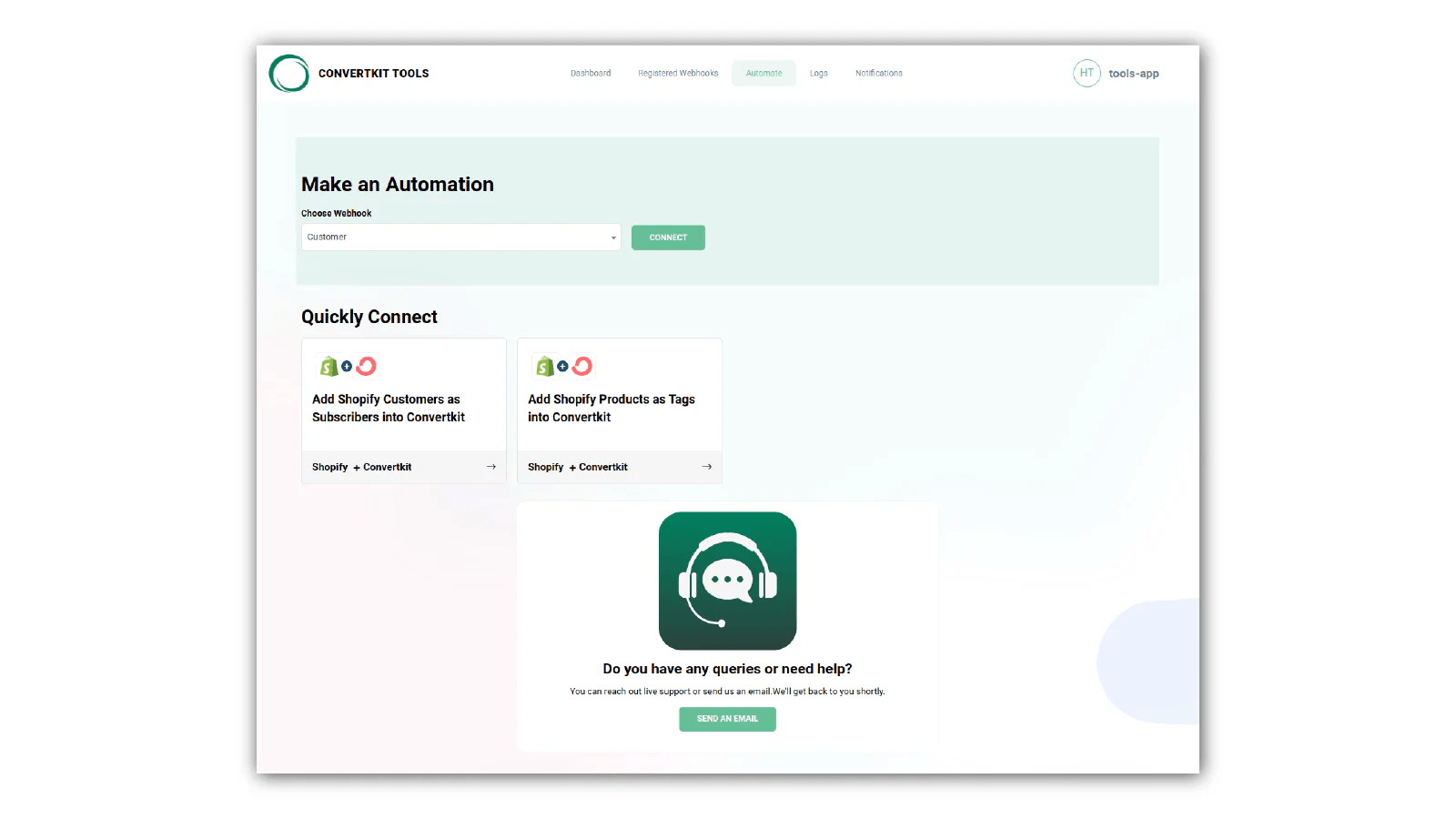
Growing an email list is difficult when you’re manually sending emails or using tools that lack automation. ConvertKit helps creators collect subscribers, send targeted emails, automate campaigns, and sell digital products—all from one platform.
In this guide, you’ll learn how to use ConvertKit to build your email list, automate marketing, and grow your audience with less effort.
Ready to grow your audience? Try ConvertKit and turn subscribers into loyal customers.
How do you use ConvertKit?
Quick Answer
To use ConvertKit:
- Create your account.
- Import subscribers.
- Build a landing page or signup form.
- Offer a lead magnet.
- Tag and segment subscribers.
- Create email automations.
- Send email broadcasts.
- Track campaign performance.
Prerequisites
Before getting started, you’ll need:
- A ConvertKit account
- Business or creator website (optional)
- Email subscribers
- Lead magnet (optional)
- Internet connection
Step-by-Step Instructions
Follow these simple steps to set up your ConvertKit account, create email campaigns, and start growing and engaging your audience with ease.
Step 1: Create Your Account
Sign up with your email address and complete your creator profile.
Step 2: Import Your Subscribers
Upload your existing contacts or start collecting new subscribers through ConvertKit.
Step 3: Create a Landing Page
Choose a template and customize it with your branding to collect email signups from your website or social media.
Step 4: Offer a Lead Magnet
Upload a free ebook, checklist, template, or guide to encourage more people to join your email list.
Step 5: Organize Subscribers
Use tags and segments to group subscribers based on their interests, signup source, or behavior.
Step 6: Build Email Automations
Create welcome emails, nurture sequences, or sales funnels using ConvertKit’s Visual Automations.
Step 7: Send Broadcast Emails
Write newsletters, announcements, or promotional emails and send them to specific subscriber segments.
Step 8: Monitor Performance
Track:
- Open rates
- Click rates
- Subscriber growth
- Email performance
Use the reports to improve future campaigns.
Tips
Use ConvertKit’s visual automation tools, audience tagging, and email templates to organize subscribers and create personalized email campaigns that grow your audience more effectively.
- Offer a valuable lead magnet.
- Segment subscribers early.
- Personalize your emails.
- Test subject lines.
- Remove inactive subscribers regularly.
Common Mistakes
- Sending every email to all subscribers.
- Ignoring automation.
- Offering weak lead magnets.
- Not reviewing email analytics.
Troubleshooting
Subscribers aren’t joining?
Check your signup form and landing page.
Emails aren’t opening?
Improve your subject lines and sender reputation.
Automation isn’t running?
Verify your triggers and workflow settings.
Low click rate?
Use stronger calls to action and clearer email content.
Best Practices
- Welcome every new subscriber automatically.
- Keep emails short and valuable.
- Segment your audience based on interests.
- Monitor campaign performance regularly.
- Test different email formats.
Frequently Asked Questions
Is ConvertKit good for beginners?
Yes. Its simple interface and visual automation builder make it easy for new creators.
Can I automate emails?
Yes. ConvertKit lets you create automated email sequences and sales funnels.
Can I sell digital products?
Yes. You can sell digital products and paid newsletters directly through ConvertKit.
Does ConvertKit have landing pages?
Yes. It includes customizable landing pages and signup forms for growing your email list.
Conclusion
ConvertKit makes email marketing simple by combining landing pages, email automation, subscriber segmentation, and creator monetization into one platform. Once your workflows are set up, you can grow your audience while spending less time managing campaigns.
Ready to Build Your First ConvertKit Campaign?
Start using ConvertKit today to grow your email list, automate your marketing, and turn your audience into paying customers.