How to Host a Website on HostArmada: A Beginner’s Step-by-Step Guide
A reliable hosting provider is the backbone of every successful website. Whether you’re creating a business website, portfolio, blog, or online store, you need hosting that delivers speed, security, and dependable uptime. HostArmada is a cloud-powered web hosting provider that combines high-performance servers with advanced security features, daily backups, and an intuitive hosting dashboard, making it an excellent choice for beginners and growing businesses.
By TechScaleMedia Editorial · Updated July 2026 · 11 min read
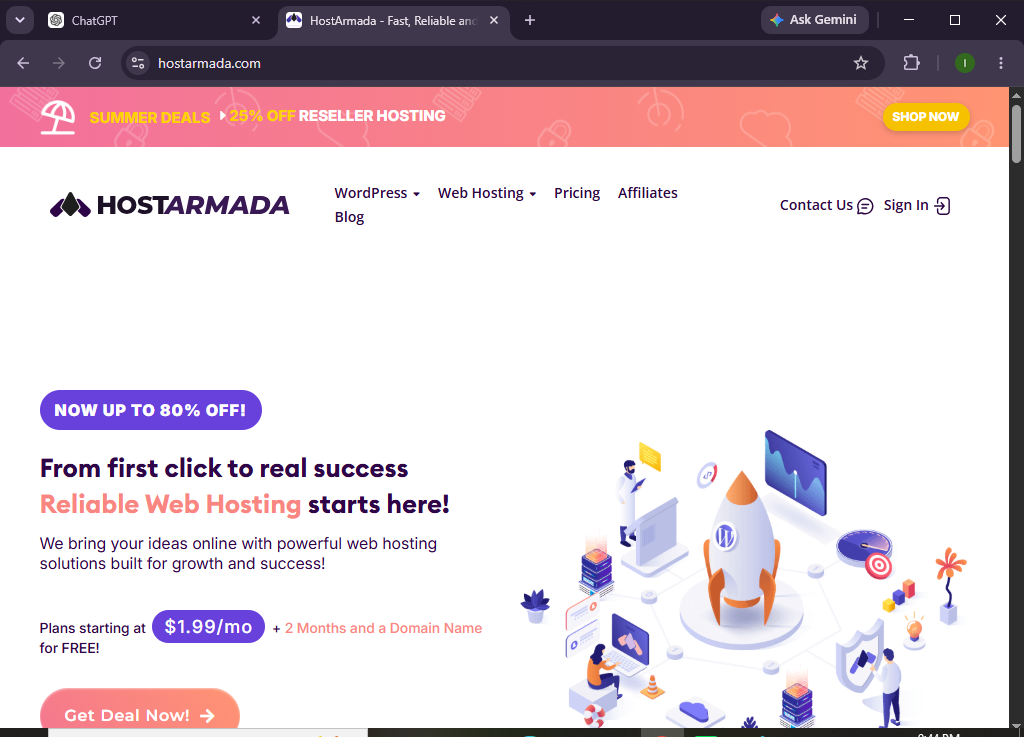
With managed hosting services, free SSL certificates, website migration assistance, and multiple global data centers, HostArmada helps simplify website management while ensuring your site remains fast and secure. This guide will show you how to host a website on HostArmada from start to finish.
How do you host a website on HostArmada?
Quick Answer
Getting started with HostArmada is simple:
- Sign up for a HostArmada hosting plan.
- Log in to your hosting dashboard.
- Create a new website.
- Connect your custom domain.
- Configure your DNS records.
- Activate your free SSL certificate.
- Upload your website files or install your preferred CMS.
- Customize your website settings.
- Test your website’s performance.
- Publish your website for visitors.
Quick Tip: If you already own a website, you can migrate it to HostArmada using its free migration service, saving time and minimizing downtime.
Prerequisites
Before you begin, you’ll need:
- A HostArmada hosting account
- A registered domain name
- Stable internet access
- Website files or your preferred CMS
- Basic knowledge of website management
Create a Workflow Manually (Recommended for Beginners)
If you’re new to web hosting, launching your first website on HostArmada is the best way to understand how the platform actually works.
Step 1: Create Your HostArmada Account
Visit the HostArmada website and choose a hosting package.
When selecting a plan, consider:
- Website traffic
- Storage capacity
- Number of websites
- Required hosting features
Complete your registration and log in.
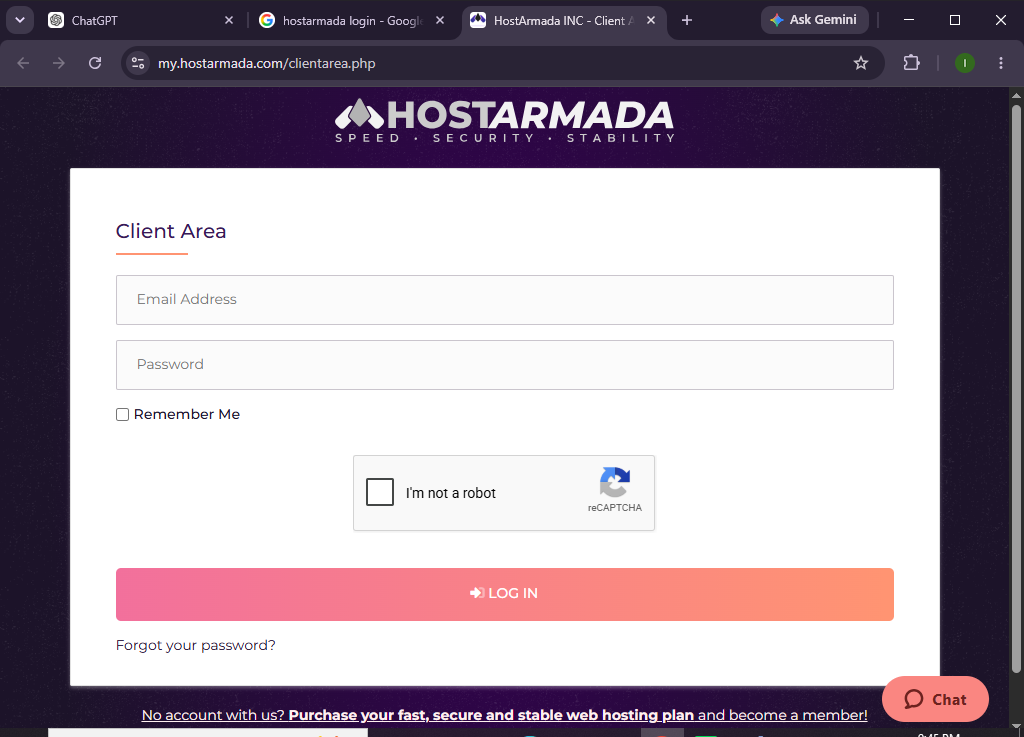
Step 2: Open Your Hosting Dashboard
After signing in, access the hosting control panel.
Here you can manage:
- Websites
- Domains
- Email accounts
- SSL certificates
- File Manager
- Databases
- Backups
Spend a few minutes becoming familiar with the dashboard.
Step 3: Add a New Website
Click Create Website.
Provide:
- Website name
- Preferred server location
- Website setup option
HostArmada will automatically configure the hosting environment.
Step 4: Connect Your Domain
To use your own domain:
- Add your domain inside HostArmada.
- Copy the nameservers or DNS records.
- Log in to your domain registrar.
- Update the DNS settings.
Allow DNS propagation to complete before proceeding.
Step 5: Enable SSL Protection
HostArmada includes free SSL certificates.
Verify that:
- HTTPS is active.
- SSL status shows as enabled.
- Your website opens securely.
SSL helps protect visitor data and supports better SEO.
Step 6: Upload Your Website
You can now add your website by:
- Uploading website files
- Installing your preferred CMS
- Importing an existing website
- Restoring a previous backup
Choose the option that best fits your project.
Step 7: Customize Your Website
Personalize your website by:
- Selecting a theme
- Creating pages
- Uploading your logo
- Building navigation menus
- Adding images and videos
- Installing useful plugins or extensions
Review your branding before moving forward.
Step 8: Optimize Website Performance
Improve performance by:
- Compressing images
- Removing unused plugins
- Updating website software
- Cleaning unnecessary files
- Optimizing page content
These optimizations help improve loading speed and user experience.
Step 9: Test Your Website
Before going live, review:
- Homepage
- Navigation menus
- Contact forms
- Mobile responsiveness
- Internal links
- SSL certificate
- Website speed
Fix any issues before publishing.
Step 10: Launch Your Website
Once everything has been tested:
- Publish your website
- Share your domain
- Monitor website performance
- Keep your website updated
Your website is now live on HostArmada.
Want a hosting provider that combines performance with simplicity?
Give HostArmada a try and get your website online in just a few easy steps.
How can you improve your website’s performance on HostArmada?
Tips
- Choose the nearest server location.
- Keep your website software updated.
- Compress images before uploading.
- Remove inactive plugins and themes.
- Enable automatic backups.
- Monitor website speed regularly.
- Optimize website content for faster loading.
What common hosting mistakes should you avoid on HostArmada?
Common Mistakes
- Selecting a hosting plan that’s too limited
- Forgetting to update DNS settings
- Launching before SSL is active
- Uploading oversized images
- Installing too many plugins
- Ignoring routine maintenance
- Skipping website testing before launch
How can you keep your HostArmada website running efficiently?
Best Practices
- Update website software regularly.
- Use strong passwords for all accounts.
- Enable automatic backups.
- Remove unused themes and plugins.
- Optimize images before uploading.
- Monitor uptime and performance.
- Test your website after updates.
- Review security settings regularly.
- Keep your hosting plan updated as your website grows.
How can you resolve common HostArmada hosting issues?
Troubleshooting
| Problem | Solution |
|---|---|
| Website isn’t loading | Verify DNS records and wait for propagation. |
| SSL certificate isn’t active | Recheck your domain connection and allow activation time. |
| Unable to log in | Reset your password or contact support. |
| Website is slow | Optimize media files, remove unused plugins, and clear cache. |
| Domain isn’t connected | Double-check your DNS settings with your registrar. |
| Website displays errors | Review recent changes or restore a backup. |
Frequently Asked Questions
Is HostArmada beginner-friendly?
Yes. HostArmada offers an easy-to-use dashboard, helpful documentation, and responsive customer support for beginners.
Can I transfer my website to HostArmada?
Yes. HostArmada offers free website migration services for eligible customers.
Does HostArmada include free SSL?
Yes. Free SSL certificates are included with hosting plans.
Can I host more than one website?
Yes. Depending on your hosting package, you can host multiple websites.
Is HostArmada suitable for business websites?
Yes. Its cloud hosting infrastructure, security features, and reliable uptime make it an excellent choice for business websites.
Does HostArmada provide daily backups?
Yes. Many HostArmada plans include automated daily backups for additional data protection.
Conclusion
HostArmada makes website hosting straightforward by offering cloud-powered infrastructure, built-in security, and user-friendly management tools. From creating your hosting account to connecting your domain and optimizing your website, the platform provides everything you need to launch a professional website with confidence.
Following the steps in this guide will help you build a secure, fast, and reliable website while making the most of HostArmada’s hosting features and ongoing support.
Ready to take your website to the next level?
Create your HostArmada account today and enjoy cloud-powered hosting, dependable uptime, advanced security, and the flexibility to scale as your website grows.