How to Use BeforeSunset AI: A Beginner’s Step-by-Step Guide
Planning your day manually can be time-consuming, especially when your schedule constantly changes. BeforeSunset AI is an AI-powered daily planner that helps you organize tasks, prioritize your workload, schedule focus time, and build productive routines—all from one intuitive workspace.
By TechScaleMedia Editorial · Updated July 2026 · 11 min read
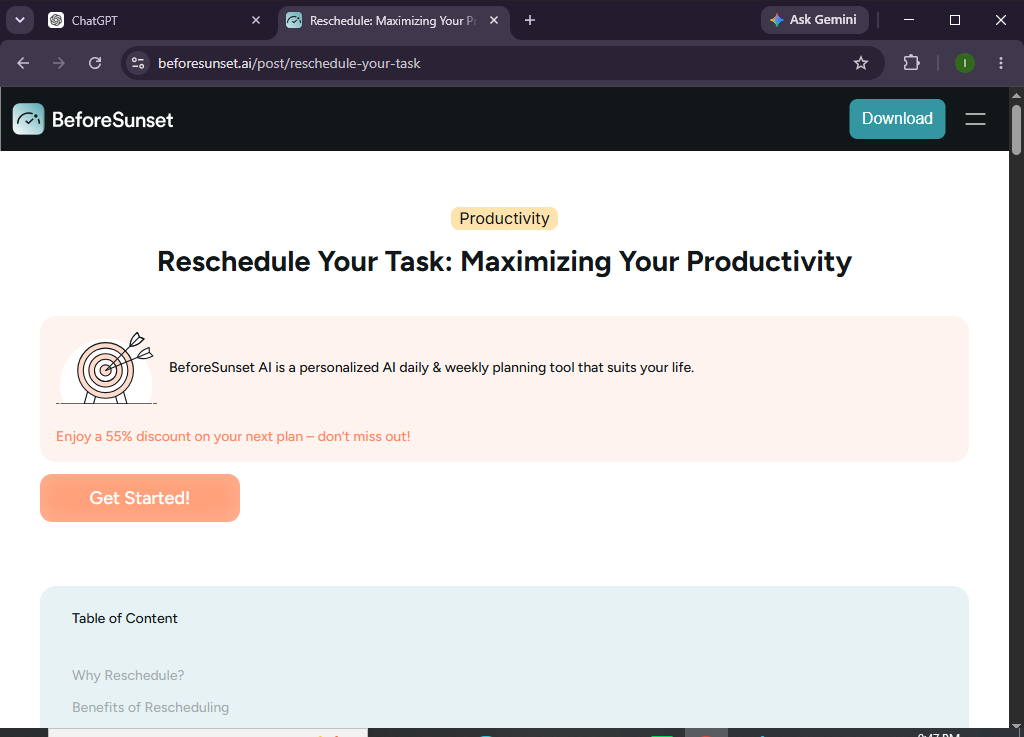
Whether you’re a freelancer, remote worker, student, entrepreneur, or busy professional, BeforeSunset AI helps you spend less time planning and more time accomplishing your goals.
In this guide, you’ll learn how to use BeforeSunset AI to create daily plans, organize tasks, manage your calendar, and make the most of AI-powered scheduling.
How do you use BeforeSunset AI to organize your daily tasks?
Quick Answer
Getting started is easy:
- Create a BeforeSunset AI account.
- Connect your calendar.
- Add your daily tasks.
- Set priorities and deadlines.
- Let AI build your schedule.
- Complete and update tasks.
- Review your daily productivity.
Prerequisites
Before using BeforeSunset AI, you’ll need:
- A BeforeSunset AI account
- Internet connection
- Google Calendar (recommended)
- A list of tasks or projects
- Estimated task durations
- Desktop or mobile device
Create a Workflow Manually (Recommended for Beginners)
If you’re new to AI productivity tools, planning your first day with BeforeSunset is the best way to understand how the platform actually works.
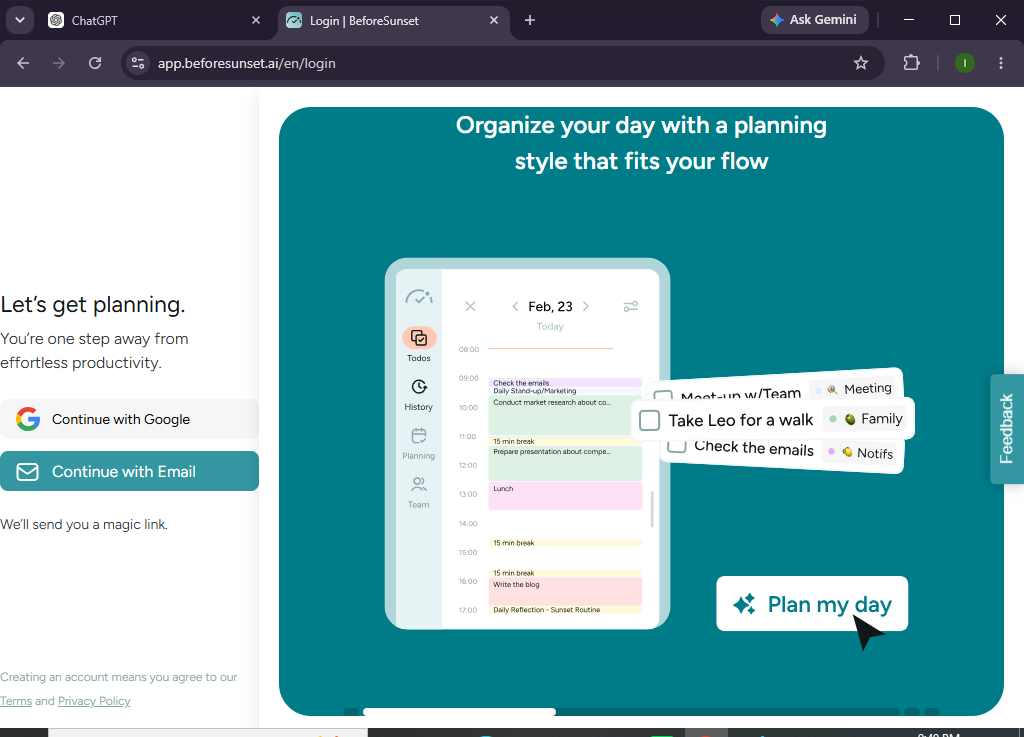
Step 1: Create Your BeforeSunset AI Account
Visit the BeforeSunset AI website and sign up using your email address or Google account.
Verify your account and complete the onboarding process.
Step 2: Connect Your Calendar
Navigate to Settings and connect your preferred calendar.
Supported options may include:
- Google Calendar
- Outlook Calendar
This allows BeforeSunset AI to schedule tasks around your existing meetings and appointments.
Step 3: Add Your Tasks
Click add task and enter:
- Task title
- Description
- Due date
- Estimated duration
- Priority level
Repeat this process until your task list is complete.
Step 4: Let AI Prioritize Your Work
Once your tasks are added, BeforeSunset AI analyzes:
- Deadlines
- Priorities
- Available working hours
- Calendar events
The AI automatically suggests the best order for completing your tasks.
Step 5: Review Your Daily Schedule
Open your daily planner to view:
- Scheduled tasks
- Focus sessions
- Meetings
- Breaks
- Upcoming deadlines
If needed, you can manually adjust the schedule.
Step 6: Track Task Progress
As you work, mark tasks as:
- Completed
- In Progress
- Deferred
The AI updates your workload and adjusts future schedules accordingly.
Step 7: Organize Projects
Group related tasks into projects such as:
- Marketing
- Personal Goals
- Client Work
- School Assignments
- Product Development
This makes your workspace easier to manage.
Step 8: Review Your Productivity
At the end of each day, review:
- Completed tasks
- Missed deadlines
- Time spent working
- Productivity insights
- Planning recommendations
Use these insights to improve tomorrow’s schedule.
Want an AI assistant that plans your day for you?
BeforeSunset AI helps you stay focused, organized, and productive without the stress of manual scheduling.
How can you get the most out of BeforeSunset AI?
Tips
- Add realistic task durations.
- Review your schedule every morning.
- Prioritize your most important work first.
- Keep your task list updated.
- Connect your calendar for better scheduling.
- Break large projects into smaller tasks.
- Leave buffer time between meetings.
- Complete your daily review before ending work.
What mistakes should you avoid when using BeforeSunset AI?
Common Mistakes
- Adding unrealistic deadlines.
- Overloading your daily schedule.
- Ignoring AI recommendations.
- Forgetting to mark completed tasks.
- Leaving old tasks unfinished.
- Not syncing your calendar regularly.
How can you maximize productivity with BeforeSunset AI?
Best Practices
- Plan tomorrow before ending today.
- Keep your calendar up to date.
- Schedule uninterrupted focus blocks.
- Review AI suggestions daily.
- Organize work into projects.
- Limit the number of high-priority tasks.
- Build a consistent daily planning habit.
- Review productivity reports weekly.
What should you do if BeforeSunset AI isn’t working properly?
Troubleshooting
Calendar isn’t syncing
Reconnect your calendar and verify account permissions.
Data isn’t syncing between apps
Update task priorities and estimated durations.
Tasks are missing
Refresh your workspace and check task filters.
Unable to create new tasks
Ensure all required fields are completed.
Login Issues
Reset your password or verify your email account.
Frequently Asked Questions
Is BeforeSunset AI free?
BeforeSunset AI offers a free plan with core planning features, while premium plans include advanced AI scheduling, analytics, and productivity tools.
Can BeforeSunset AI connect to Google Calendar?
Yes. It integrates with Google Calendar to help create a more accurate daily schedule.
Does BeforeSunset AI automatically prioritize tasks?
Yes. Its AI analyzes deadlines, priorities, and calendar availability to recommend an optimized daily plan.
Can I manage multiple projects?
Yes. You can organize tasks into different projects and categories for better workflow management.
Is BeforeSunset AI suitable for remote workers?
Absolutely. It’s designed for freelancers, remote professionals, entrepreneurs, students, and anyone looking to improve time management.
Can I manually edit my schedule?
Yes. While AI creates an optimized schedule, you can easily make adjustments whenever needed.
Conclusion
BeforeSunset AI combines intelligent scheduling, task management, and calendar planning into one productivity platform. Instead of spending time deciding what to work on next, the AI helps you prioritize tasks, organize your day, and maintain a balanced workload.
By following this guide and adopting the recommended best practices, you’ll be able to plan smarter, stay focused, and accomplish more with less effort.
Transform the way you plan your day.
Explore BeforeSunset AI and discover how AI-powered scheduling can help you prioritize tasks, reduce overwhelm, and make every workday more productive.