

How to Use Relay.app A Beginner's Step-by-Step Guide
Managing repetitive tasks across multiple apps can slow down your workflow and reduce productivity. Automation platforms help eliminate these manual processes, allowing you to focus on more valuable work.
Relay.app is a modern workflow automation platform that combines no-code automation with AI-powered features. It enables users to connect apps, automate tasks, and even include human approvals in workflows when needed. Whether you’re a marketer, project manager, business owner, or freelancer, Relay.app helps streamline everyday operations.
Ready to automate smarter? This beginner-friendly guide will show you how to use Relay.app to connect your favorite apps, create intelligent workflows, and boost productivity in just a few simple steps.
How do I get started with Relay.app?
A Quick Answer
- 1. Sign up for a Relay.app account.
- 2. Create a new workflow.
- 3. Choose a trigger.
- 4. Connect your apps.
- 5. Add AI or automation steps.
- 6. Test the workflow.
- 7. Publish and enable it.
Once activated, Relay.app automatically performs the workflow whenever the selected trigger occurs.
Prerequisites
Before you begin, make sure you have:
- A Relay.app account
- A stable internet connection
- Accounts for the apps you want to automate (such as Gmail, Slack, Notion, or Google Sheets)
- API keys or app permissions if required
- A clear understanding of the workflow you want to automate
What You'll Need Before Using Relay.app
Before creating your first Relay.app automation, make sure you have:
- Automate workflows and save valuable time
- Improve team collaboration with AI
- Build smart no-code automations
- Securely manage connected business data
- Perfect for teams, startups, and businesses
Create a Workflow Manually (Recommended for Beginners)
If you’re new to workflow automation, manually building your first workflow is the best way to understand how Relay.app works and automate tasks with confidence.
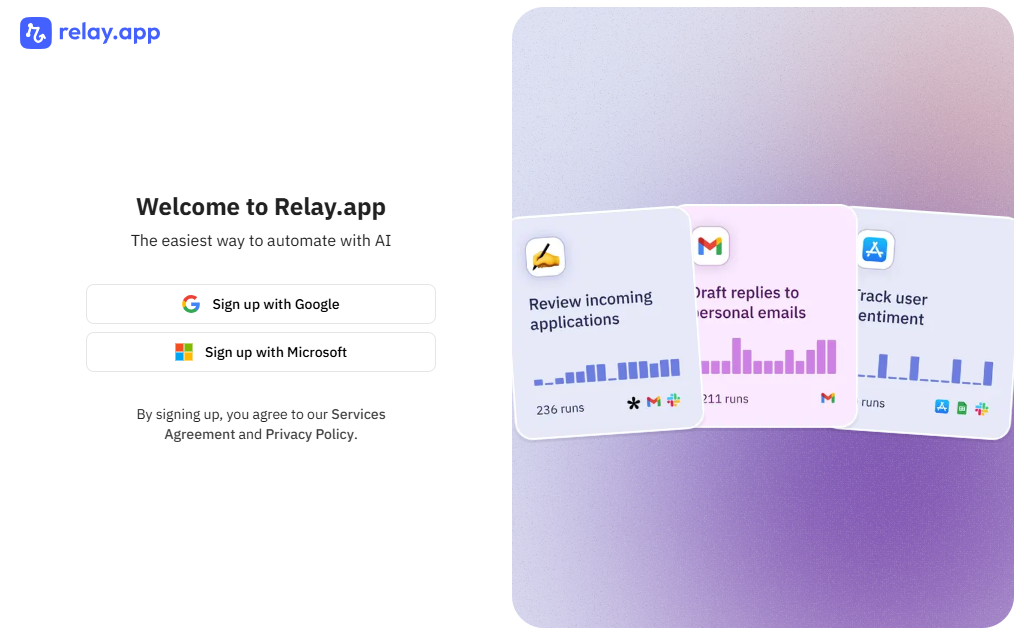
Create a Relay.app Account
Visit the Relay.app website.
Click Sign Up and create account using:
- Microsoft
- Email address
Verify your email if prompted.
Create a New Workflow
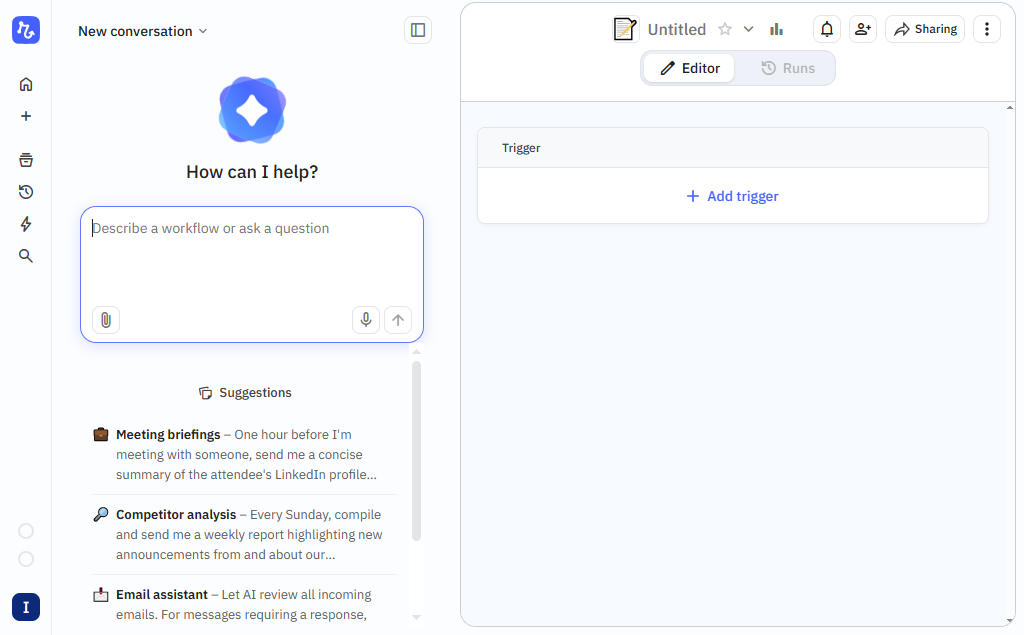
After logging in:
- Open your dashboard.
- Click New Workflow.
- Enter a meaningful workflow name.
Examples:
- Customer Onboarding
- AI Email Assistant
- Lead Qualification
- Social Media Approval
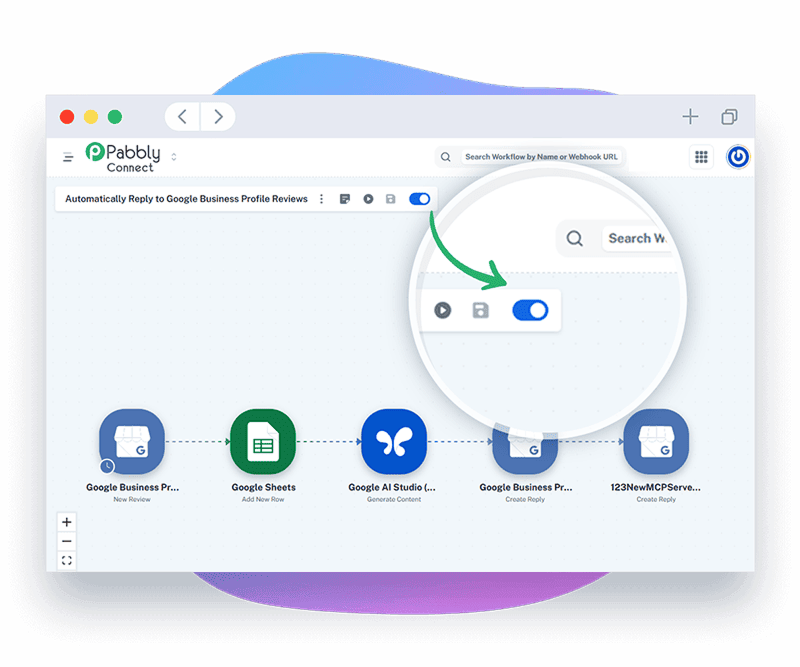
Every automation begins with a trigger.
Examples include:
- New email received
- New Google Sheets row
- Form submission
- Scheduled workflow
- Webhook request
Choose the event that should start your automation.
Relay.app supports many popular business applications.
Click Connect App and authorize the required service.
Popular integrations include:
- Gmail
- Slack
- Google Sheets
- Notion
- HubSpot
- Airtable
- OpenAI
Grant the required permissions.
After selecting a trigger, define what should happen next.
Common actions include:
- Send an email
- Create a task
- Update a CRM record
- Post a Slack message
- Generate AI content
- Create a document
- Update a spreadsheet
- You can build multi-step workflows with several connected actions.
- One of Relay.app’s standout features is combining automation with AI and human collaboration.
- For example:
- AI drafts an email.
- A manager reviews and approves it.
- app automatically sends the final version.
- This approach is ideal for workflows that require oversight before execution.
- Map information between steps.
- Example:
- Google Form → AI Summary → Slack Notification
- Customer Name
- Email Address
- Submitted Message
- AI-generated summary
Use dynamic variables to pass data automatically between workflow steps.
Before publishing:
- Click Run Test.
- Review the output.
- Check for any errors.
- Confirm each action completes successfully.
Testing helps prevent automation failures later.
Publish the Workflow
Once testing is complete:
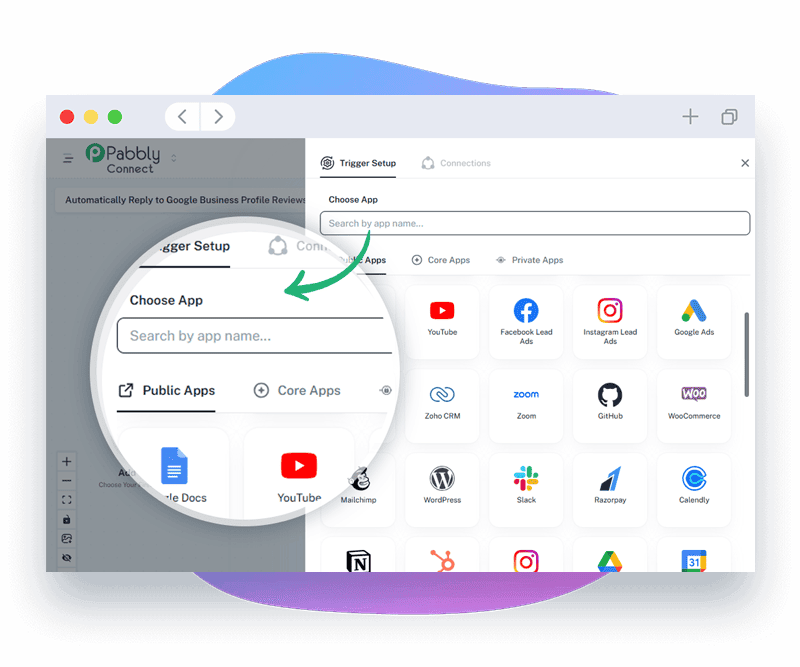
- Click Publish
- Enable the workflow
Your automation will now run automatically whenever the trigger occurs.
What are the best tips for using Relay.app effectively?
These expert Relay.app tips will help you build smarter, faster, and more reliable workflow automations:
- Start with a simple workflow before building advanced automations.
- Give workflows descriptive names.
- Test every workflow before publishing.
- Use AI steps only where they add value.
- Organize workflows by department or project. .
- Review execution history regularly.
What are the most common mistakes to avoid when using Relay.app?
Although Relay.app is beginner-friendly, small configuration mistakes can prevent your workflow automations from working correctly. Avoid these common errors to build reliable, efficient workflows from the start.
Unpublished workflows remain inactive and won’t execute any automation tasks.
Selecting the wrong trigger can prevent the workflow from starting when expected.
Mapping the wrong fields may transfer inaccurate or missing data between applications.
Testing ensures the workflow functions correctly and helps catch errors before deployment.
Expired app authorizations can break integrations and stop workflows from running.
Starting with overly complex workflows increases the risk of errors and makes troubleshooting more difficult.
How do you troubleshoot common Relay.app issues?
If your Relay.app automation isn’t working as expected, these quick troubleshooting tips can help.
Check whether:
- The workflow is enabled.
- The trigger event has occurred.
- Connected apps are properly authenticated.
Try :
- Reconnecting the application.
- Refreshing expired credentials.
- API connections are still active.
- Confirming account permissions.
Verify :
- AI service is connected correctly.
- Required inputs are available.
- API usage limits haven't been reached.
What are the best practices for using Relay.app?
Once your Relay.app workflows are running successfully, following these best practices will keep your automations organized, scalable, and easy to maintain.
Keep workflows easy to understand.
Test before every deployment.
Limit unnecessary workflow steps.
Review automations periodically for improvements.
Use meaningful workflow names.
Monitor execution logs regularly.
Secure API keys and credentials.
Frequently Asked Questions
1. Is Relay.app beginner-friendly?
Yes. Relay.app offers a visual workflow builder designed for users with little or no coding experience.
2. Does Relay.app support AI?
Yes. It includes AI-powered workflow capabilities that can generate content, summarize information, classify data, and assist with decision-making.
3. Can I create multi-step workflows?
Which apps can I connect?
4. Which apps can I connect?
Relay.app integrates with many popular productivity, communication, CRM, and AI applications, including Google Workspace, Slack, Notion, Airtable, HubSpot, OpenAI, and more.
5. Do I need programming knowledge?
No. Relay.app is a no-code automation platform suitable for beginners and professionals alike.
6. Can teams collaborate in Relay.app?
Yes. Teams can build, manage, review, and approve workflows together, making it suitable for collaborative business processes.
Conclusion
Relay.app simplifies workflow automation by combining no-code tools, AI capabilities, and human collaboration into one platform. Whether you’re automating customer communication, project management, or internal operations, Relay.app helps reduce repetitive work and improve efficiency. Start with a simple workflow, test it thoroughly, and gradually expand your automations as your needs grow.