How to Use YouGov: A Beginner’s Step-by-Step Guide
Many companies rely on consumer opinions to understand market trends, improve products, and make informed decisions. YouGov gives everyday users the opportunity to share their opinions through online surveys while earning points that can be redeemed for rewards.
By TechScaleMedia Editorial · Updated July 2026 · 11 min read
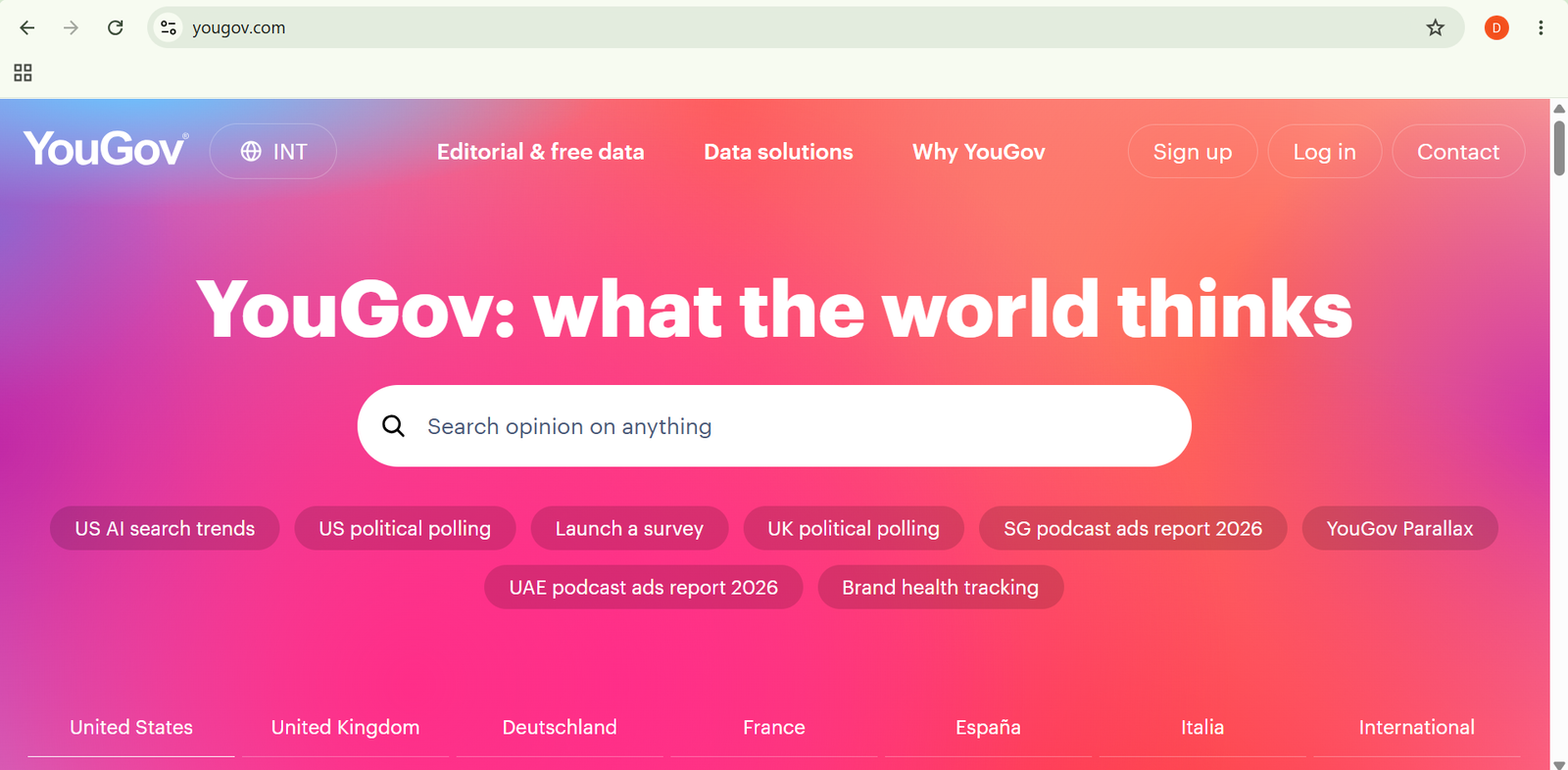
YouGov is an online market research platform where members participate in surveys about brands, products, current events, and consumer behavior. Unlike many rewards platforms, YouGov focuses primarily on collecting opinions through research surveys rather than offering multiple earning methods.
In this guide, you’ll learn how to use YouGov step by step, from creating an account and completing your profile to taking surveys, earning points, and redeeming rewards.
How Do You Use YouGov?
Quick Answer
Using YouGov is simple:
- Create a YouGov account.
- Complete your profile.
- Receive survey invitations.
- Complete eligible surveys.
- Earn points.
- Track your points balance.
- Redeem your rewards.
Prerequisites
Before getting started, you’ll need:
- A YouGov account
- A valid email address
- A stable internet connection
- A smartphone, tablet, or computer
- Basic demographic information
Create a Workflow Manually (Recommended for Beginners)
If you’re new to online surveys, completing your first survey in YouGov is the best way to understand how the platform actually works.
Step 1: Create a YouGov Account
Visit the YouGov website and sign up using your email address.
During registration, provide basic information such as:
- Name
- Country or location
- Age group
- Gender
- General interests
These details help YouGov match you with surveys that fit your profile.
Step 2: Complete Your Profile
After creating your account, complete your profile by answering additional questions about your background, interests, lifestyle, and shopping habits.
Providing accurate information helps YouGov identify surveys that are relevant to you. Keeping your profile updated can also improve your chances of receiving future survey invitations.
Step 3: Check Available Surveys
Survey invitations are typically sent through:
- Email notifications
- Mobile app notifications (where available)
- Your YouGov dashboard
Survey topics may include:
- Consumer brands
- Shopping habits
- Lifestyle preferences
- Technology
- Entertainment
- Current events
- Public opinion
The number of available surveys varies based on your profile and current research needs.
Step 4: Complete Surveys
Open an available survey and answer each question honestly and carefully.
Surveys may contain:
- Multiple-choice questions
- Rating scales
- Opinion-based questions
- Product and brand feedback
- Lifestyle-related questions
Survey length and point rewards vary depending on the research project.
Step 5: Earn YouGov Points
After successfully completing an eligible survey, points are credited to your account.
From your dashboard, you can view:
- Total points earned
- Completed surveys
- Current points balance
- Reward progress
Some surveys may require a short processing period before points appear.
Step 6: Participate Regularly
Survey opportunities change frequently, so checking your account regularly can help you avoid missing invitations.
The number of surveys you receive depends on factors such as:
- Your demographic profile
- Geographic location
- Current research requirements
Step 7: Redeem Your Rewards
Once you’ve earned enough points, you can exchange them for rewards available in your country.
Reward options may include:
- PayPal payments
- Gift cards
- Charitable donations
Available rewards and redemption requirements vary by region.
Ready to share your opinions and earn rewards?
Join YouGov to participate in market research surveys and turn your feedback into redeemable rewards.
How Can You Use YouGov More Efficiently?
Tips
- Complete your profile accurately to receive more relevant survey invitations.
- Keep your profile information up to date.
- Enable email or mobile notifications so you don’t miss surveys.
- Complete surveys before they expire.
- Use a reliable internet connection while taking surveys.
- Check your dashboard regularly for new opportunities.
How Can You Avoid Common YouGov Errors?
Common Mistakes
Avoid these common mistakes when using YouGov:
- Providing random or dishonest answers.
- Creating multiple accounts.
- Leaving surveys unfinished.
- Ignoring survey instructions.
- Sharing your account with others.
- Entering inaccurate profile information.
How Can You Get the Most Value from YouGov?
Best Practices
- Maintain accurate and up-to-date profile information.
- Answer every survey honestly.
- Participate consistently when invitations are available.
- Read survey instructions carefully before responding.
- Monitor your points balance regularly.
- Review reward terms before redeeming points.
- Keep your account credentials secure.
How Can You Troubleshoot PrizeRebel Effectively?
Troubleshooting
No Surveys Are Available
Complete your profile and check back later, as survey availability changes based on YouGov’s research needs.
Points Are Not Showing
Points may take some time to process after survey completion. Review your survey history and wait for processing to finish.
Can’t Access Your Account
Use the account recovery option to reset your password or contact YouGov Support for assistance.
Survey Stops Unexpectedly
Check your internet connection and ensure your browser or mobile app is up to date before trying again.
Reward Redemption Is Unavailable
Confirm that you’ve reached the required points threshold and that your selected reward is available in your country.
Frequently Asked Questions
Is YouGov legitimate?
Yes. YouGov is a legitimate market research company that rewards members with points for completing eligible surveys.
How does YouGov pay users?
Users earn points for completing surveys. These points can later be redeemed for rewards such as PayPal payments, gift cards, or charitable donations, depending on the country.
How can I get more YouGov surveys?
Complete your profile accurately, keep your information updated, and respond promptly to survey invitations to improve your chances of receiving relevant surveys.
How long do YouGov surveys take?
Survey length varies by project. Some surveys take only a few minutes, while others require more detailed responses.
Can I use YouGov on mobile?
Yes. YouGov can be accessed through a mobile browser, and a mobile app is available in supported regions.
Conclusion
YouGov provides an easy way to participate in market research while earning rewards for sharing your opinions. By creating an account, completing your profile, and participating in surveys regularly, you can maximize your opportunities to earn points.
Although survey availability depends on your profile and current research needs, providing honest responses and keeping your information up to date can help you receive more relevant invitations over time.
Build a stronger foundation for public opinion research and online rewards with YouGov.
Start using YouGov today by creating your account, completing your profile, and participating in surveys. Share your opinions, contribute to market research, and earn rewards through eligible survey opportunities.