Controller vs Keyboard and Mouse for Gaming: Which Is Better?
Is a controller really better than a keyboard and mouse—or has the gaming community been arguing about the wrong question? The truth is that neither input method dominates every game. A mouse provides extremely precise aiming, while an analog stick gives you smooth variable movement.
By TechScaleMedia Editorial · Updated July 2026 · 11 min read
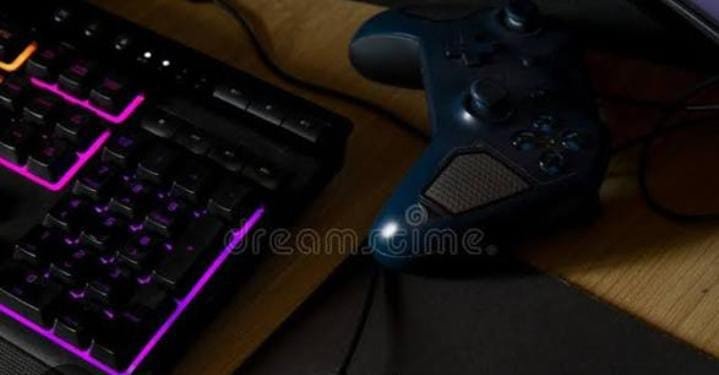
A keyboard offers a huge number of inputs, while a controller provides a compact and ergonomic layout designed around two hands. That’s why the best choice often depends more on the game than the player. Racing games can feel natural on a controller because of analog steering and triggers, while strategy games benefit from the large number of keyboard commands and mouse precision.
Competitive shooters frequently favor mouse aiming, but controllers can still be effective in games designed around them. In this controller vs keyboard and mouse comparison, we’ll compare precision, movement, comfort, controls, customization, game genres, competitive performance, and convenience to help you decide which input method makes the most sense for your gaming setup.
Controller vs Keyboard & Mouse: Quick Comparison
| Feature | Controller | Keyboard and Mouse |
|---|---|---|
| Analog movement | Excellent | Limited |
| Precision aiming | Good | Excellent |
| Number of Inputs | Moderate | HIgh |
| Racing | Excellent | Good |
| Sports | Excellent | Good |
| Fighting | Excellent | Varies |
| FPS | Good | Excellent |
| Strategy | Limited | Excellent |
| Couch gaming | Excellent | Poorer |
| Customization | Moderate–High | High |
| Manu Navigation | Good | Excellent |
Gaming With a Controller
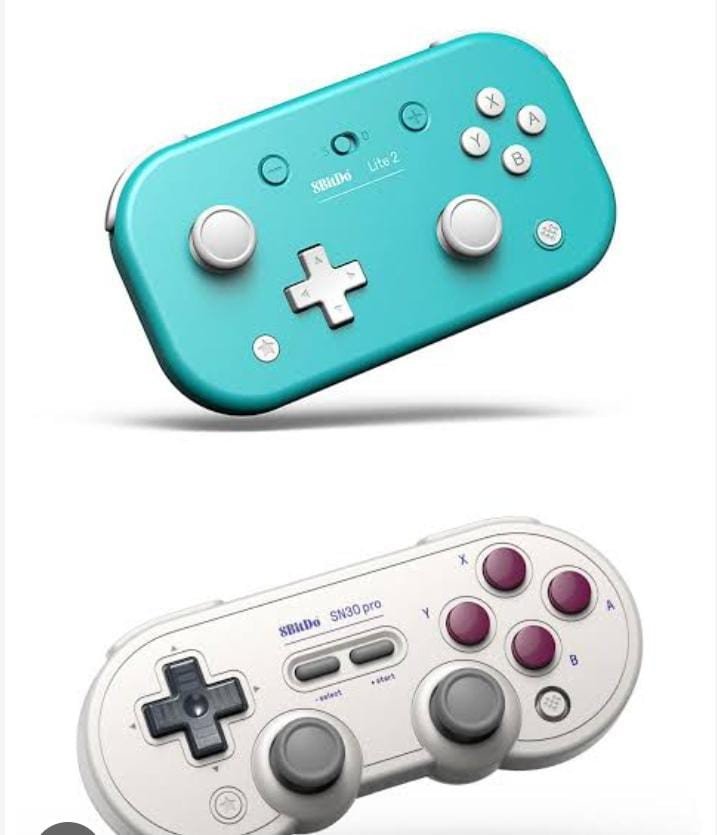
Controllers are designed around analog movement and ergonomic hand placement.
Best For:
- Racing games
- Sports games
- Fighting games
- Platformers
- Third-person action games
- Driving games
- Couch gaming
Controller Pros
- Analog movement
- Comfortable design
- Excellent triggers
- Easy couch gaming
- Simple layout
- Natural for console-style games
Controller Cons
- Fewer inputs
- Less precise mouse-style aiming
- Can be slower for menu navigation
- Not ideal for complex strategy games
Gaming With Keyboard and Mouse
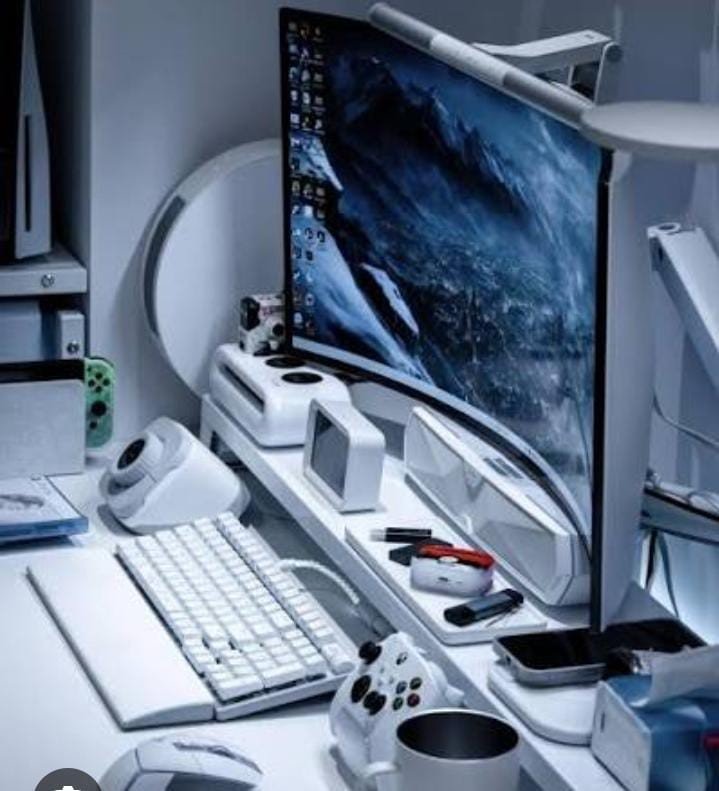
Keyboard and mouse setups are particularly strong for precision and large numbers of commands.
Best For:
- First-person shooters
- Strategy games
- Simulation games
- MMORPGs
- Complex PC games
Keyboard and Mouse Pros
- Excellent aiming precision
- Many buttons
- Fast navigation
- Extensive customization
- Strong PC compatibility
Keyboard and Mouse Cons
- No natural analog movement
- Desk-dependent
- Can take longer to master
- Less convenient for couch gaming
Which Is Better for FPS Games?
Keyboard and mouse generally have the advantage for precise aiming.
A mouse allows fast and highly controlled camera movement.
However, controller players can still perform extremely well in games that support controller input and appropriate balancing systems.
Which Is Better for Strategy Games?
Keyboard and mouse.
Strategy games often require many commands and precise cursor movement, making keyboard and mouse particularly effective.
Which Is Better for Fighting Games?
A controller is often the more natural option for many players because its compact controls and D-pad are designed for directional inputs.
However, fighting-game preferences vary significantly between players.
Comfort Comparison
Comfort depends on the person and gaming environment.
| Situation | Better Choice |
|---|---|
| Couch gaming | Controller |
| Desk gaming | Keyboard + mouse |
| Long racing sessions | Controller |
| Long strategy sessions | Keyboard + mouse |
| Small gaming space | Controller |
| Many keyboard commands | Keyboard + mouse |
Can You Use Both?
Absolutely.
In fact, using both can be the smartest approach.
For example:
- Controller for racing
- Controller for sports
- Controller for platformers
- Keyboard and mouse for FPS
- Keyboard and mouse for strategy
- Controller or keyboard/mouse for third-person games
There’s no reason to force yourself into one ecosystem.
Ready to Find the Right Gaming Setup?
Choose the controls that match the way you play. Whether you prefer the comfort and analog movement of a controller or the precision and flexibility of a keyboard and mouse, the right setup can make every game feel more natural.
Which Is Better for PC Gaming?
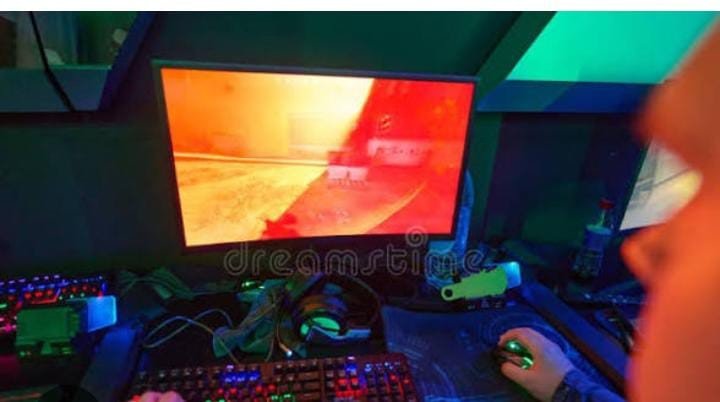
Choose a Controller If:
- You play racing games.
- You play sports games.
- You prefer analog movement.
- You play from a couch.
- You prefer console-style controls.
Choose Keyboard and Mouse If:
- You play competitive FPS games.
- You play strategy games.
- You need many inputs.
- You prefer mouse precision.
- You mainly game at a desk.
Final Verdict
There is no universal winner.
The best gaming input depends on your favorite games, preferred controls, and gaming environment.
Frequently Asked Questions
Is a controller better than a keyboard and mouse?
Not universally. Controllers and keyboard/mouse setups excel at different types of games.
Are a keyboard and mouse better for FPS?
For many FPS games, mouse aiming provides excellent precision and fast camera control.
Is a controller better for racing games?
Usually, yes. Analog sticks and triggers provide natural control over steering, acceleration, and braking.
Which is better for strategy games?
Keyboard and mouse generally provide an advantage because of their many inputs and precise cursor control.
Can I use both the controller and keyboard/mouse on the PC?
Yes. Many PC games support both input methods.
Conclusion
The controller vs. keyboard and mouse debate doesn’t need a winner because both input methods solve different gaming problems. Controllers excel when analog movement, ergonomic comfort, and pressure-sensitive triggers matter, making them particularly effective for racing, sports, platformers, fighting games, and many third-person titles.
Keyboard and mouse setups shine when precision, cursor control, and large numbers of commands are important, which is why they remain particularly popular for shooters, strategy games, simulations, and other PC-focused genres. Your gaming environment matters too. A controller can be much more convenient from a couch, while a keyboard and mouse are naturally suited to a desk.
Most importantly, you don’t have to choose only one. Keeping both available gives you the flexibility to match your controls to the game. Use a controller when analog movement and comfort matter, switch to keyboard and mouse when precision and multiple inputs are more important, and let the game determine which tool deserves your hands.
Upgrade Your Gaming Setup Without the Guesswork
Choose between a controller and keyboard and mouse based on the games you play, the controls you prefer, and the way you like to game. Find the setup that gives you the right balance of precision, comfort, movement, and control.